
On this page
Managing inventory across multiple marketplaces like Amazon, eBay, and Shopify can be a logistical nightmare. Delays in syncing stock levels often lead to overselling, lost sales, and unhappy customers. The good news? Automation and AI-powered tools can solve these challenges by ensuring real-time updates, reducing errors, and optimizing inventory management.
Here’s a quick look at the top tools to simplify inventory syncing:
- AutomaSnap: Not a sync tool - it is the intake step before syncing. AI reads spare parts nameplates and produces ERP-ready exports that you feed into the tools below.
- Zoho Inventory: A central hub for stock management, offering free and paid plans from $29/month. Ideal for businesses already using Zoho apps.
- Sumtracker: Provides instant two-way syncing and restock alerts. Plans start at $49/month.
- Syncio: Designed for Shopify and WooCommerce users, offering real-time syncing and order automation. Starts at $19/month.
- Veeqo: Amazon-owned tool with free shipping features and advanced inventory management from $19/month.
- Cin7 Core: Built for high-volume sellers with advanced automation and analytics. Pricing begins at $349/month.
- Sellbrite: Simplifies inventory syncing for marketplace sellers, with free and paid plans starting at $29/month.
Quick Comparison:
| Tool | Starting Price | Sync Speed | Best For | Key Differentiator |
|---|---|---|---|---|
| AutomaSnap | Free trial | n/a (intake) | Spare parts distributors | AI nameplate extraction before sync |
| Zoho Inventory | Free/$29/month | 4-hour auto | Zoho ecosystem users | Integrated accounting and CRM |
| Sumtracker | $49/month | Real-time | Multichannel brands | Restock alerts and PO management |
| Syncio | $19/month | Real-time | Shopify/WooCommerce sync | Order automation and attribute mapping |
| Veeqo | Free/$19/month | Real-time | Shipping and inventory | Discounted carrier rates |
| Cin7 Core | $349/month | Real-time | High-volume sellers | Advanced automation and analytics |
| Sellbrite | Free/$29/month | 15 min (paid) | Marketplace sellers | Centralized catalog and FBA sync |
Each tool has its strengths, whether you need fast syncing, AI-powered data processing, or advanced forecasting. The right choice depends on your business size, budget, and specific needs.
1. AutomaSnap
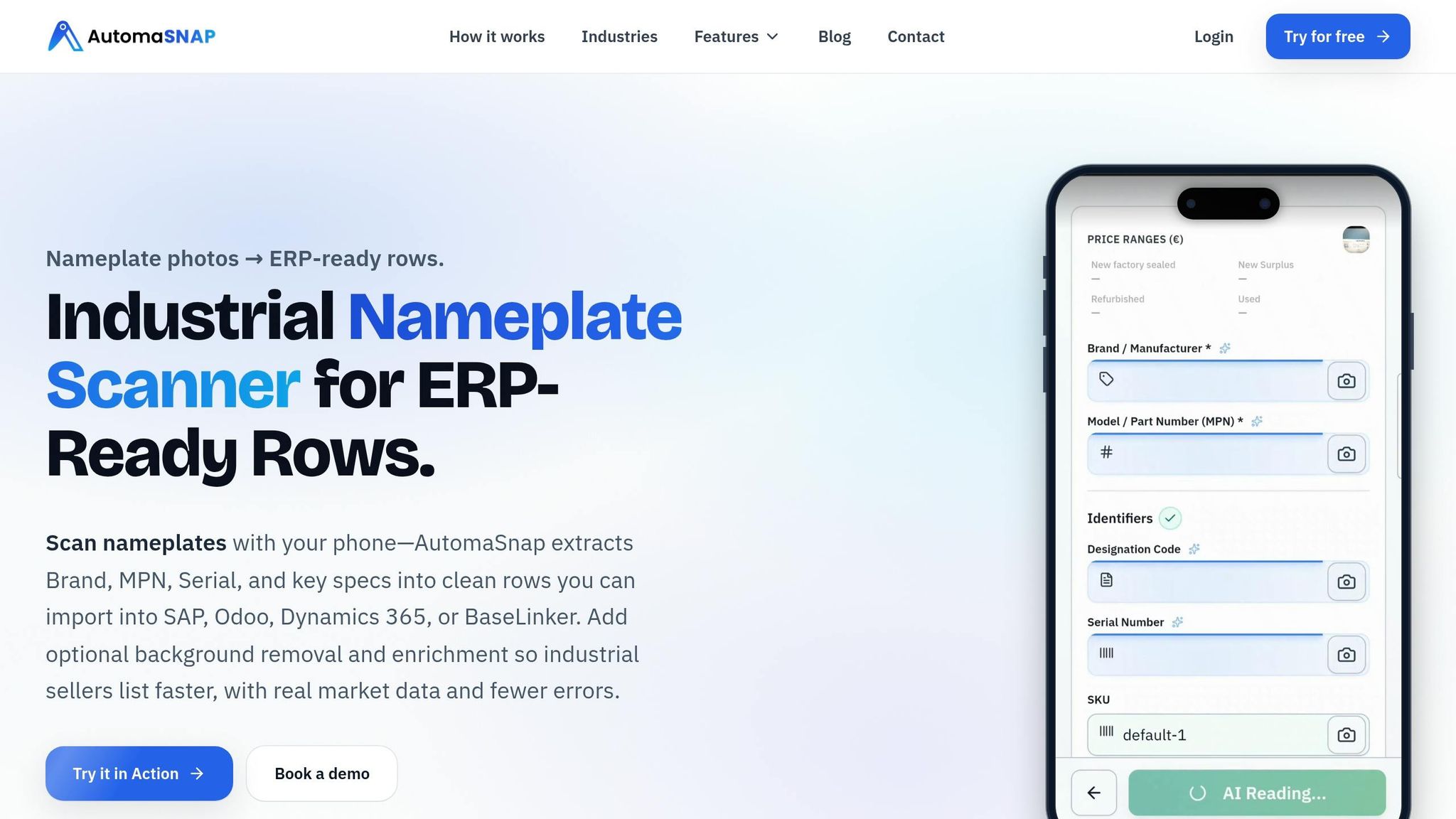
What it is: AutomaSnap is not an inventory sync tool. It sits one step earlier: it captures and structures spare parts data from nameplate photos, so the SKUs you later sync are correct in the first place. If you need stock levels pushed between marketplaces, pair it with one of the sync tools below.
Automation Features
AutomaSnap uses AI-powered nameplate OCR to extract essential details - such as Brand, MPN, and Serial Number - from photos of nameplates, even if the labels are worn or damaged. Just snap a picture, and within 40 seconds, the system processes the data. Compare that to the traditional method, which can take 10–20 minutes of manually reading labels, entering data into spreadsheets, and verifying prices.
The platform also streamlines other tasks by automatically generating SEO titles, descriptions, GTIN/UPC codes, and cleaning product images with a single click. Its Quick Market Check feature allows users to perform one-click price lookups on platforms like eBay and Automa.Net, saving even more time.
A great example of its impact: In March 2026, Gal-Industry used AutomaSnap to eliminate manual data-entry bottlenecks, saving 217 labor hours every month.
These features make AutomaSnap an efficient solution for turning raw spare parts data into ready-to-use product listings.
Where it fits in a multichannel setup
AutomaSnap does not push stock levels between channels. What it does is remove the most common cause of sync errors: wrong or incomplete product data at intake.
Once the data is processed, you export ERP-ready CSV or XLSX files, or platform-formatted exports for Shopify, WooCommerce, PrestaShop, Odoo and BaseLinker, and you can publish listings directly to eBay. ERP systems such as SAP and Dynamics 365 are covered through a one-time column mapping. From there, your ERP or one of the sync tools below keeps quantities aligned across channels. See the surplus stock take workflow for the full intake flow.
2. Zoho Inventory
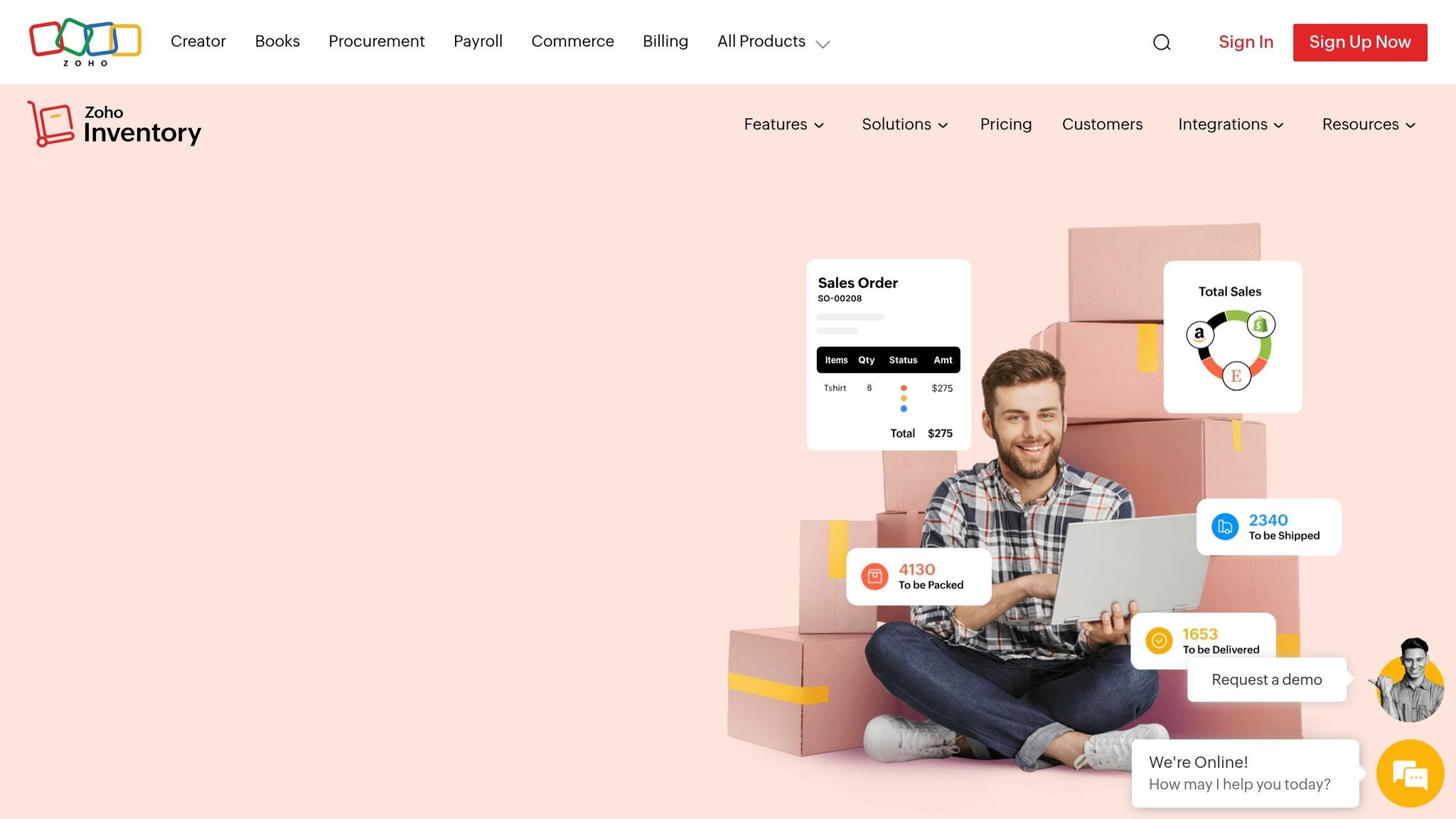
Zoho Inventory acts as a central hub, automatically adjusting stock levels across all linked sales channels whenever inventory changes are recorded. With its inventory-first approach, the platform connects directly to marketplaces through APIs, ensuring updates occur simultaneously across all channels whenever a sale is made. This setup provides a dependable, real-time inventory management solution for businesses.
Real-time Inventory Sync
Zoho Inventory’s syncing process uses SKU-based matching, meaning items must be listed in the marketplace with SKUs (or names) that correspond to those in Zoho Inventory before syncing begins. Once a sale is made, the system automatically creates a sales order, complete with customer details. When the shipment is prepared, tracking information is sent back to the marketplace.
During peak sales periods, synchronization delays of 15–30 minutes may occur. To avoid overselling during these lag times or unexpected demand surges, it’s a good idea to keep a small inventory buffer of about 5–10%.
Multichannel Integration
Zoho Inventory integrates seamlessly with major marketplaces like Amazon, Etsy, and eBay, as well as shopping cart platforms such as Shopify and Zoho Commerce. It also connects with shipping carriers (UPS, USPS, DHL, FedEx), payment gateways (PayPal, Stripe, Authorize.net), and other Zoho apps like Zoho Books and Zoho CRM.
“The integration with other apps in the Zoho Ecosystem made data sharing easier, and the implementation process was fast and comprehensive.” - Maxime Loiselle, Founder, Les Voiles Max Marine
Before linking a sales channel, ensure that the base currency in Zoho Inventory matches the currency of the marketplace, and confirm that all applicable taxes (like VAT or Sales Tax) are enabled.
Automation Features
Zoho Inventory simplifies inventory management with automated reorder alerts and customizable reorder points. Its custom workflows can trigger specific actions, such as applying late fees or sending promotional offers. Additionally, webhooks allow for extended integrations with third-party apps.
“We get notifications when we are low on items, we can create our POs right from the system, and fulfilling orders is easy with built-in sales order and invoicing functions.” - Omar Fattah, CEO and Founder, Holix Watersports
Pricing Plans
Zoho Inventory offers a free plan that supports up to 50 orders per month (one user, two warehouses). Paid plans start at $29 per month (billed annually) for 500 orders and go up to $249 per month for 15,000 orders, seven users, and ten warehouses. The platform consistently earns ratings between 4.5/5 and 4.7/5 on major software review sites.
3. Sumtracker
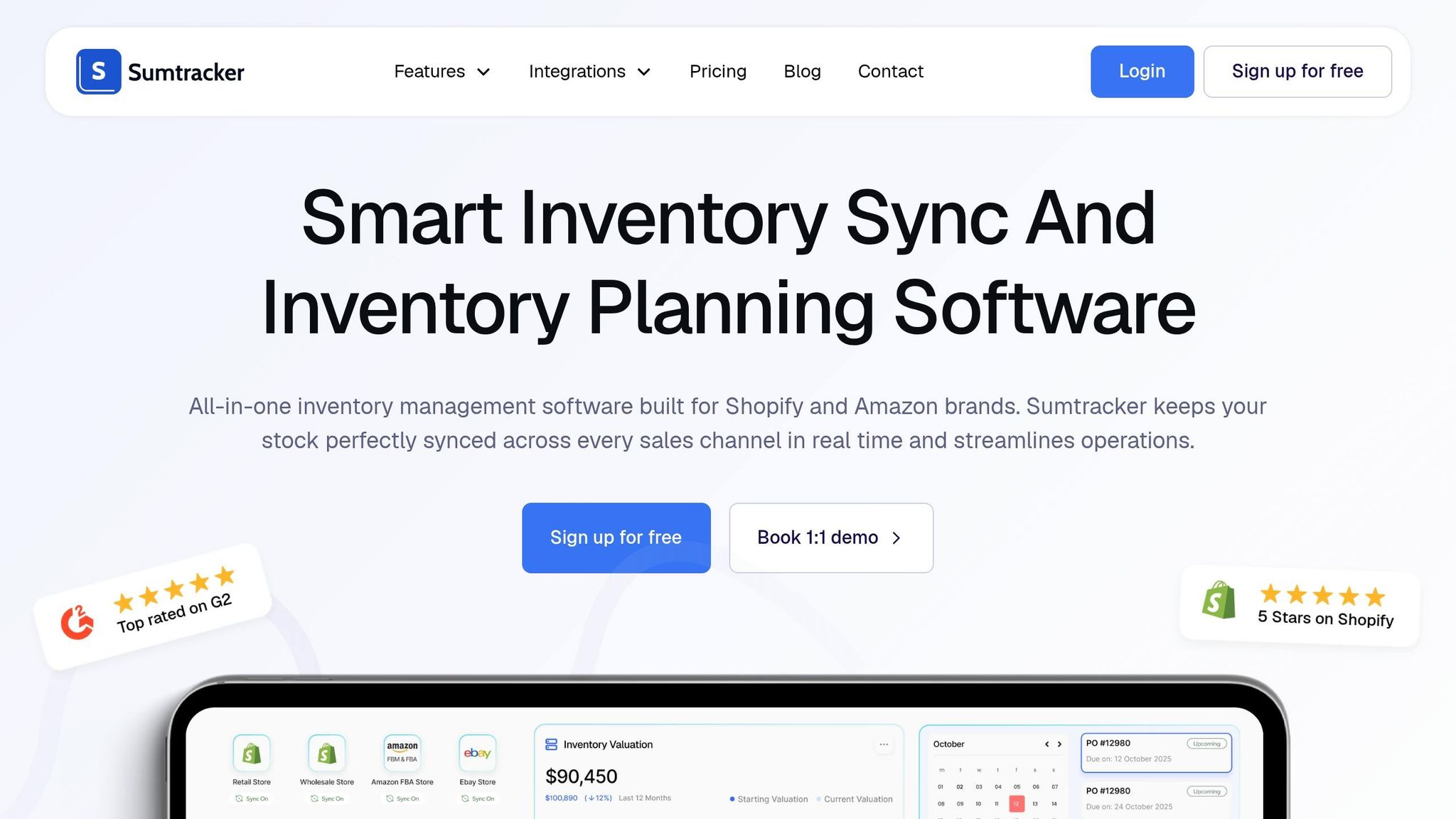
Sumtracker is designed to cut down on manual delays, helping businesses avoid overselling and stockouts. By providing a single source of truth, this platform updates all connected marketplaces instantly after every sale, return, or adjustment. It syncs thousands of SKUs in seconds and automatically links listings with identical SKUs across platforms, removing the need for manual mapping. This streamlined system has led to a 99% reduction in overselling and a 60% reduction in stockouts.
Real-time Inventory Sync
Sumtracker ensures consistent stock levels across platforms like Shopify, Amazon, eBay, Etsy, and Walmart through its two-way sync system. For example, when a bundle or kit is sold, the platform automatically adjusts the inventory of its components in real time. It also supports multi-location tracking, allowing businesses to manage inventory across warehouses, retail stores, and third-party logistics providers.
“It updates instantly - even changes to part numbers sync immediately.” – Diana Carlson, Owner, Canadian Piercing Supply
Before connecting your sales channels, it’s crucial to standardize SKUs across platforms so Sumtracker can recognize them as the same item. For high-demand products, the “reserve inventory” feature can act as a buffer, preventing overselling during busy periods. These syncing capabilities ensure every channel is updated consistently as your business grows.
Multichannel Integration
With over 2,000 customers worldwide and a 5/5 star rating on the Shopify App Store, Sumtracker handles complex inventory needs, including managing bundles and kits.
Take Babymaxi, a Netherlands-based brand led by Rolf Middendorp. After switching from an in-house warehouse to multiple third-party logistics providers, they used Sumtracker to sync inventory in real time across hundreds of SKUs and track stock transfers between locations. Similarly, OzDingo in Australia, founded by Malek Badawi, replaced its manual system with Sumtracker, eliminating mismatches across channels and saving significant administrative hours.
“Sumtracker has been a game changer for us. I’d highly recommend Sumtracker to any Shopify store that needs reliable, advanced inventory management.” – Rolf Middendorp, Founder, Babymaxi
Automation Features
Sumtracker simplifies inventory management with features like low-stock alerts and restock recommendations based on pre-set reorder points. Its built-in purchase order system allows partial receiving and one-click stock updates when shipments arrive. Additionally, the platform adjusts inventory levels automatically for refunds, returns, and cancellations.
“Sumtracker has made it so much easier to track all our components - labels, boxes, perfume oil, bottles. The PO feature is super simple: once stock arrives, it’s just one click to update.” – Chris Rolfe, Founder, Whif.
For businesses looking to keep inventory accurate, manual stock adjustments can be performed directly in the system. This centralized approach has helped users cut inventory holding costs by 14% by identifying and clearing out dead stock.
Pricing Plans
Sumtracker starts at $49/month and includes a 14-day free trial. Higher-tier plans offer API access for advanced needs. The platform is highly rated on G2, with users highlighting its fast syncing, user-friendly interface, and responsive customer support.
4. Syncio
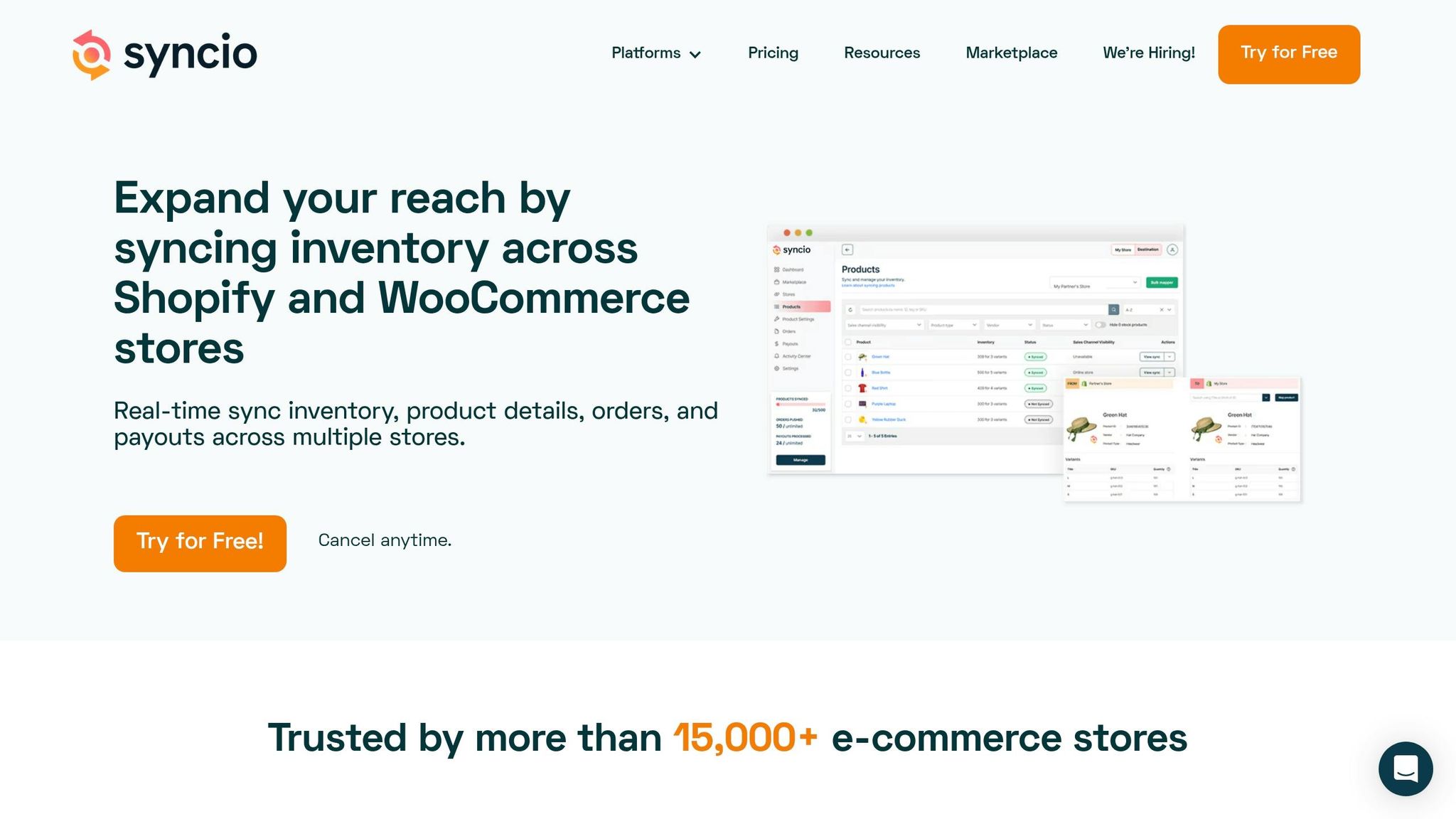
Syncio takes inventory management to another level with its Source/Destination model, designed to simplify operations for businesses managing multiple storefronts.
This model works by designating a Source store to house the master inventory, while Destination stores receive updates in real-time whenever stock levels change. It’s a system that has already won over 15,000 e-commerce stores, syncing more than 3 million orders monthly and managing over 2 million products daily.
Real-time Inventory Sync
Syncio ensures inventory updates are instantaneous. Whether it’s a sale or a manual stock adjustment in the Source store, the changes are reflected across all connected Destination stores within seconds. The platform also supports two-way syncing: when an order is confirmed in a Destination store, inventory updates are triggered for both the Source and Destination stores.
For example, KOOKAÏ, a fashion retailer known for its weekly product launches, relies on Syncio to handle its extensive SKU range across multiple regions. This automation saves their team hours of manual labor every week.
“Syncio has saved our team hours of work per week by updating our products in real time.” – KOOKAÏ
Syncio also integrates with ERPs like Microsoft Navision, enabling seamless stock syncing from a Shopify Source store to international Destination stores. To avoid overselling during busy periods, merchants can activate the “Track Quantity” feature in variant sync options.
Multichannel Integration
Syncio’s flexibility extends to Shopify and WooCommerce stores, along with a built-in marketplace. This marketplace helps users connect with retail partners based on location, commission rates, and shipping policies. Merchants can choose which product attributes to sync - such as titles, descriptions, images, tags, prices, and metafields - allowing for tailored product presentations across different platforms.
For centralized fulfillment, Syncio can automatically forward orders containing synced products from Destination stores to the Source store. Tracking information is then synced back to the Destination store for smooth order management. If products already exist across multiple stores, the “inventory-only” mapping feature links them without affecting existing descriptions or SEO data.
Automation Features
Syncio’s automation capabilities are a major time-saver. It updates essential product attributes across connected stores automatically. Features like “Auto Add Variant” and “Auto Remove Variant” ensure that listings stay consistent without manual intervention. Additionally, when the Source store fulfills an order, Syncio updates the fulfillment status and tracking details on the Destination store automatically.
Pricing Plans
Syncio’s pricing is structured to cater to different needs. Source Stores are billed per order, with plans starting free for up to 10 orders and scaling to $99/month for 1,001–10,000 orders. Destination Stores are charged based on the number of synced products, starting free for up to 25 products and going up to $129/month for syncing up to 10,000 products. Shopify users can also add optional features, such as Product Settings ($19/month), Order Sync ($22/month), and Payouts ($9/month). All paid plans include a 14-day free trial. Syncio boasts an impressive 98% 5-star review rating.
5. Veeqo
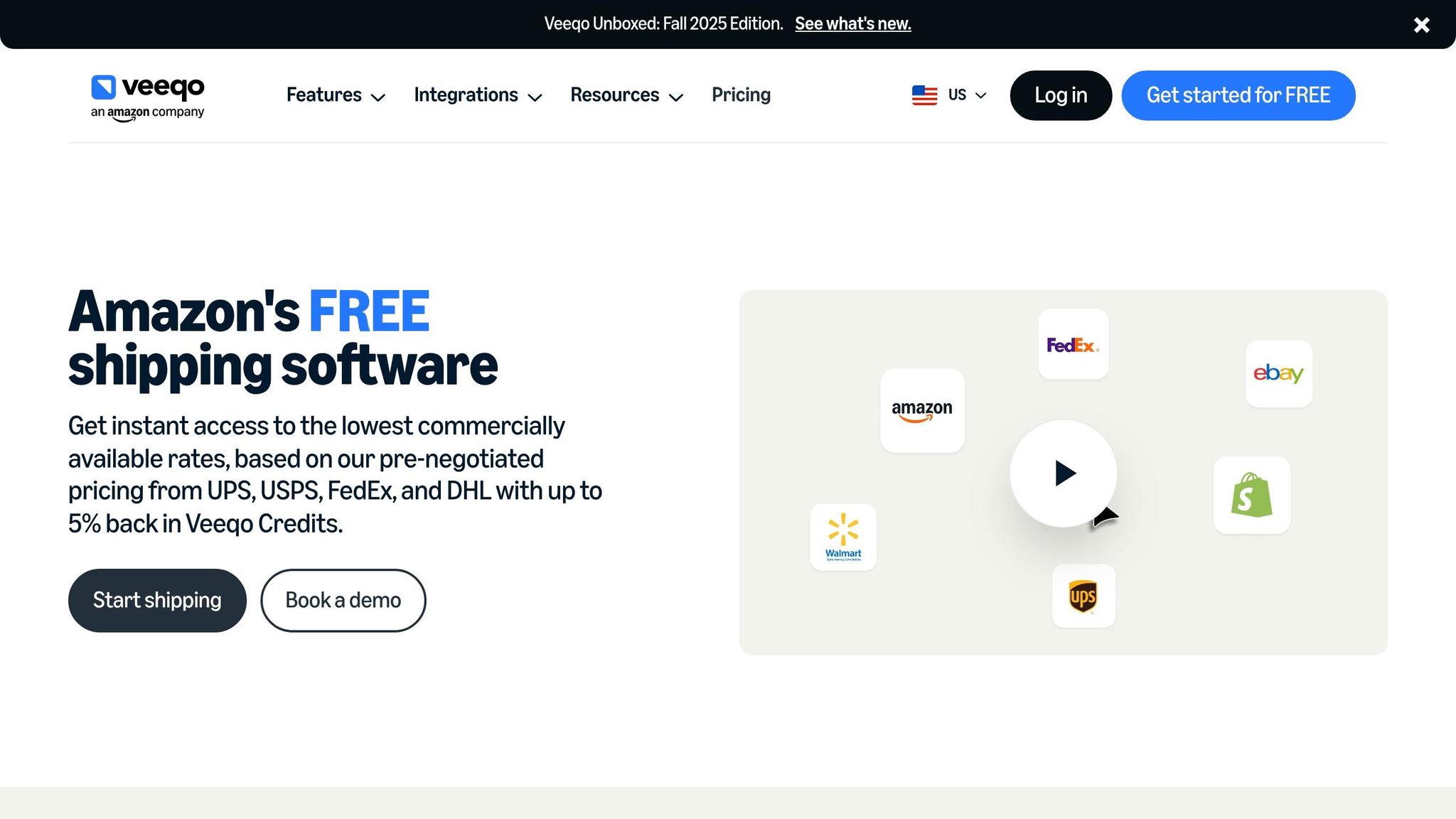
Veeqo stands out as a cost-effective tool for businesses looking to streamline shipping and manage inventory across multiple sales channels. Its focus on real-time syncing and multichannel integration helps prevent overselling, a common challenge for online retailers.
Real-time Inventory Sync
Veeqo’s centralized Inventory Control system ensures stock levels are updated across all connected stores as soon as orders are placed. You can designate either Veeqo or a specific store as the “Master of Stock.” If Veeqo is the master, it pushes updates to all linked stores. If a store is the master, Veeqo pulls stock data from that store and redistributes it across other channels. The initial sync takes between 10 minutes and 2 hours, followed by near real-time updates whenever stock levels change. To avoid overselling, Veeqo automatically halts orders when stock hits zero.
Multichannel Integration
Veeqo integrates with major marketplaces like Amazon (including FBA), eBay, Etsy, Walmart, TikTok Shop, AbeBooks, and Not On The High Street. For e-commerce platforms, it supports Shopify, BigCommerce, WooCommerce, Magento, and PrestaShop. Offline inventory management is also covered through integrations with Shopify POS and Lightspeed Retail X-Series. Automated SKU matching ensures consistency across all channels, eliminating the need for manual adjustments. Plus, inventory syncing can be disabled for specific channels if needed. Beyond these integrations, Veeqo automates key fulfillment tasks, making it a powerful tool for growing businesses.
Automation Features
Veeqo simplifies fulfillment by automatically selecting the closest warehouse for shipping, consolidating orders from the same customer, and triggering restocks when inventory runs low. Its automation tools have proven to be financially rewarding for many users. For example, Michael Truffa, owner of A1 Great Deals, earned over $13,000 in Veeqo Credits through automated shipping and rate-shopping features. Similarly, Ben Chappel, CEO of eChapps, shared:
“Switching to Veeqo put over $15K a year back into our pockets.”
Morris Sitt, Ecommerce Manager at We Supply DIY, highlighted another impressive outcome:
“We have cut down our costs by $75K by switching over to Veeqo.”
Pricing Plans
Veeqo offers its shipping features at no cost, including unlimited shipments and users. For businesses seeking advanced inventory management, subscriptions start at $19 per month. Additionally, Veeqo provides up to 5% back in Veeqo Credits based on the base value of shipments, which are automatically applied to future invoices.
6. Cin7 Core
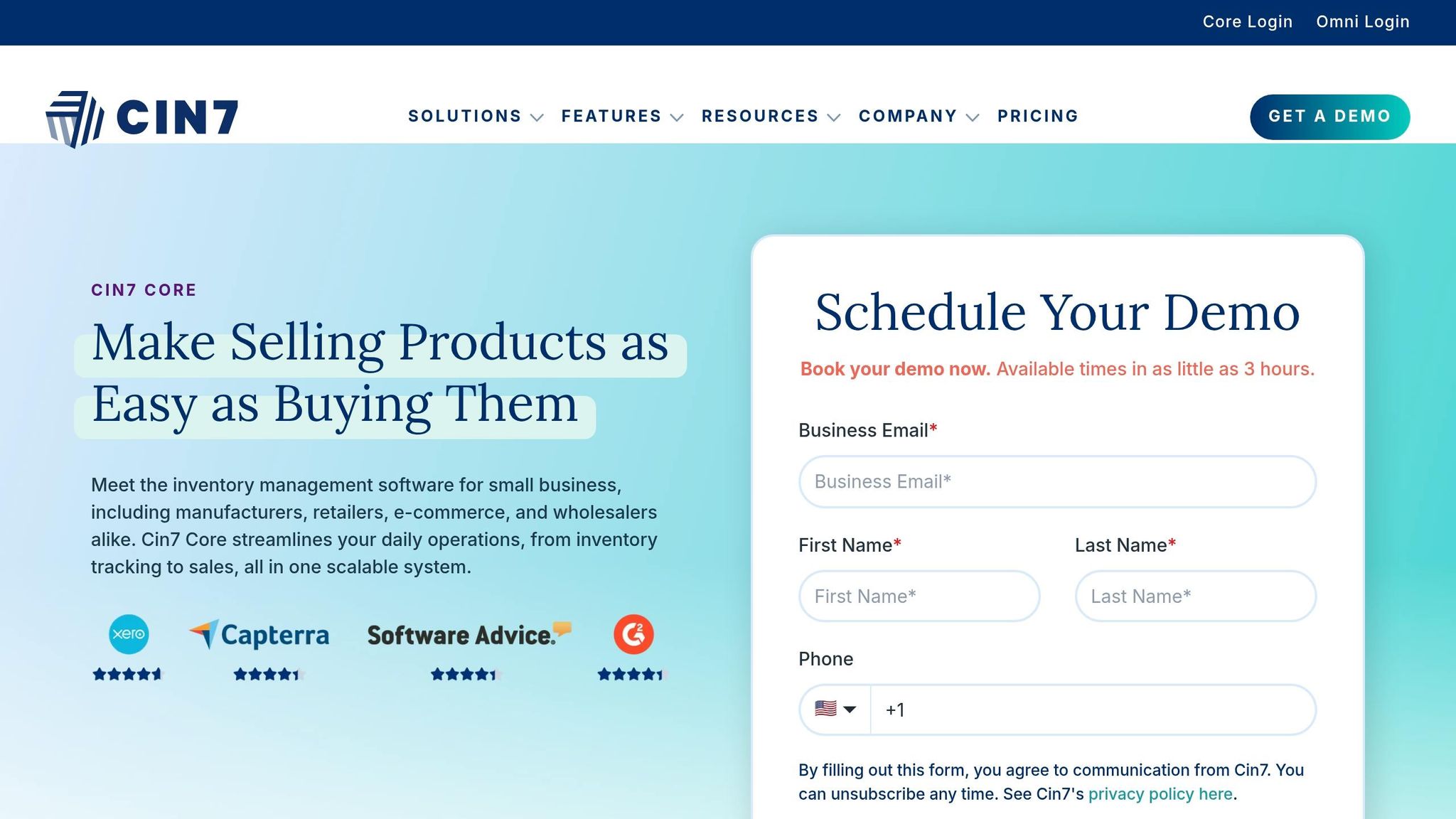
Cin7 Core is built for high-volume sellers who need a centralized system to manage inventory across multiple sales channels. The platform handles over 125 million orders annually, has supported more than $35 billion in sales over the past year, and serves over 8,500 customers worldwide.
Real-time Inventory Sync
Cin7 Core ensures your inventory is always up-to-date by downloading orders (e.g., every 15 minutes for eBay) and instantly updating stock levels across all connected channels. This prevents the risk of overselling. You can also assign specific marketplaces to individual physical locations or view consolidated stock levels across your entire warehouse network. To maintain accuracy, enable the “Update Stock Levels” feature in the integration settings and ensure SKUs match across marketplace listings.
Multichannel Integration
With over 700 native integrations, Cin7 Core connects effortlessly to major marketplaces like Amazon (Seller, Vendor, and FBA), eBay, Walmart, and Faire. It also supports popular e-commerce platforms such as Shopify, WooCommerce, and BigCommerce. Additionally, it integrates with accounting tools like QuickBooks Online and Xero to help track inventory costs and movements.
Anthony Pong, US Executive Director at Caterpy, praised the system’s flexibility:
“All the other inventory management solutions I saw could only map orders to a single general ledger. Cin7 lets me separate my channels: B2B, B2C, Amazon, whatever it is.”
Royal Essence has used Cin7 Core as its central hub for everything from inventory intake to shipping, resulting in a 40% increase in sales.
Automation Features
Cin7 Core simplifies operations with automation tools like Auto Pick, Auto Pack, Auto Ship, and Auto-Assembly for kits and bundles. The platform can automatically generate purchase orders when inventory hits reorder points or safety stock levels. Its ForesightAI tool predicts demand by analyzing historical data and seasonal trends. You can even create custom automated workflows with multiple approval steps and notifications for stakeholders. Plus, the system integrates with Zapier, connecting you to over 8,000 additional apps.
Pricing Plans
The Standard Plan for Cin7 Core starts at $349 per month. This includes 5 users, 6,000 sales orders annually, and up to 6 e-commerce or app integrations. Additional integrations and advanced features, like ForesightAI and B2B Portals, are available as paid add-ons.
7. Sellbrite
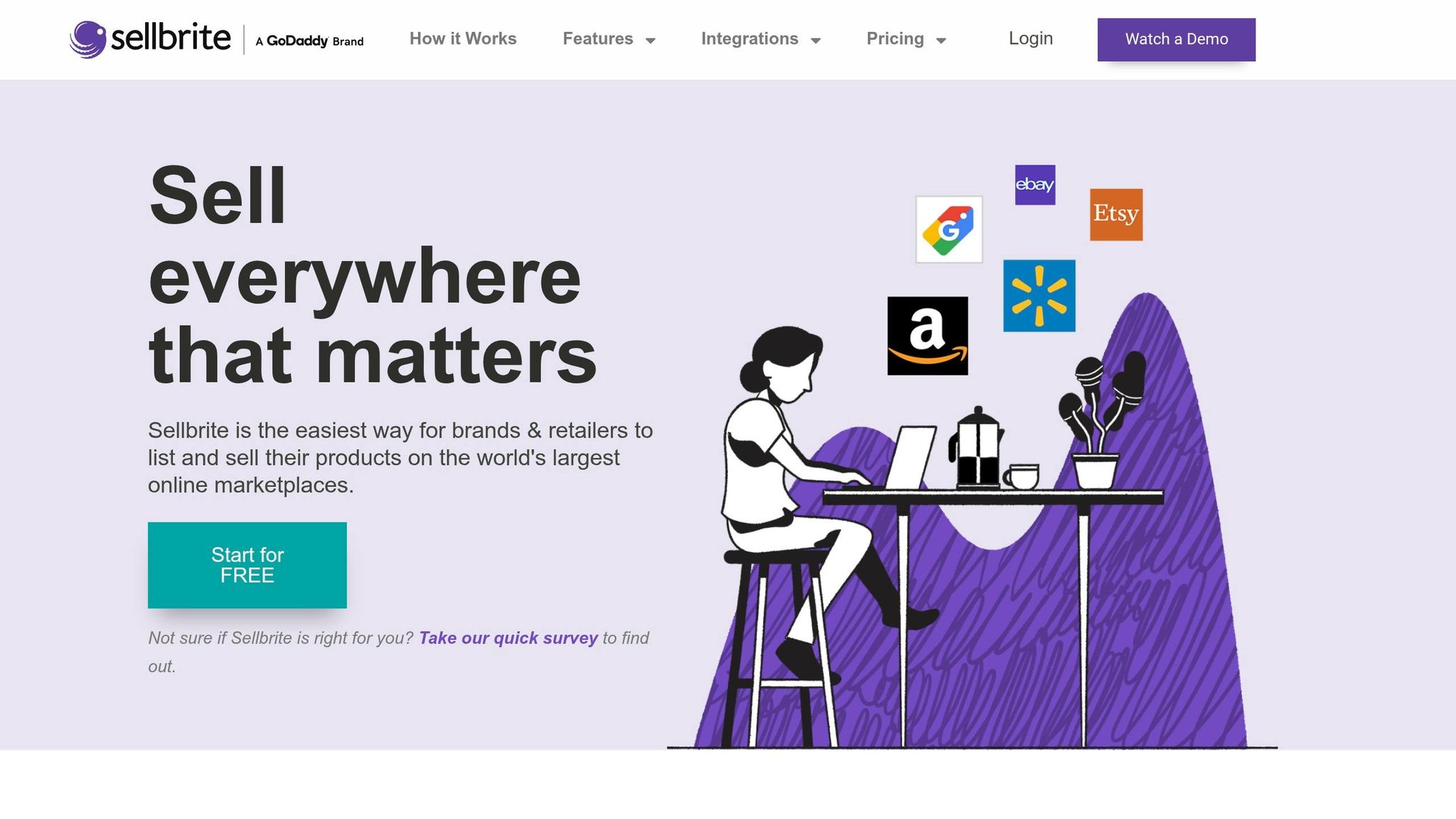
Sellbrite simplifies inventory management by ensuring stock levels remain accurate across all sales channels. With this tool, you can oversee all inventory types - whether available, reserved, or on-hand - through a single dashboard. Plus, the platform automatically adjusts stock levels across connected channels whenever an order is placed, helping you avoid overselling.
Real-time Inventory Sync
For users on paid plans, inventory updates happen every 15 minutes, while the Forever Free plan syncs every 2 hours. To ensure everything runs smoothly, you’ll need to link your marketplace listings to the products in your Sellbrite catalog. As Lynn from Panvisionary Group LLC puts it:
“Sellbrite has saved us so much time by syncing our inventory across the many channels that we sell.”
To avoid potential sync errors, make inventory adjustments directly within Sellbrite rather than on platforms like Amazon or eBay. Editing quantities outside the platform can cause mismatches in stock levels. Also, remember to activate sync for each channel manually under Settings > Sales Channel Integrations, as this feature isn’t turned on by default.
Multichannel Integration
Sellbrite connects with major marketplaces, including Amazon (US, Canada, Mexico, and Europe), eBay (US, Canada, Australia, and Europe), Etsy, Walmart, Google Shopping, Newegg, and Sears. It also integrates with shopping carts like Shopify, BigCommerce, and WooCommerce, along with fulfillment services such as FBA, ShipStation, and Flexport. Notably, Sellbrite was the first third-party software to offer listing capabilities for Etsy, showcasing its expertise in multichannel selling. Caribou Creek Cases shared their experience:
“Love Sellbrite! It works and easy to use. I’m able to sync my 2 different Etsy stores along with eBay and Shopify listings. No more creating duplicate listings on each channel, Sellbrite will do it quickly.”
Automation Features
Sellbrite goes beyond inventory syncing with a suite of automation tools. Its repricing engine adjusts prices based on rules you set, keeping you competitive in the marketplace. The platform also offers intelligent order routing, directing orders to the warehouse or channel with the most available stock. Additionally, you can streamline your workflow by using listing templates to save common settings, like shipping fees, and apply them in bulk to new products. These features make it easier to manage inventory, pricing, and order fulfillment efficiently.
Pricing Plans
Sellbrite offers a Forever Free plan that supports unlimited channels and SKUs, though inventory syncing occurs every 2 hours. Paid plans start at $29.00 per month for the Pro 100 plan (up to 100 orders monthly), $79.00 per month for the Pro 500 plan (up to 500 orders), and $179.00 per month for the Pro 2K plan (up to 2,000 orders). Paid plans come with faster 15-minute syncs and access to app store integrations. If you opt for annual billing, the Pro 100 plan costs around $24 per month. A 14-day free trial with full access is also available.
Feature and Pricing Comparison
Here’s a breakdown of pricing, sync speed, and core features for various inventory sync tools, along with insights to help you choose the best fit for your business.
Picking the right tool depends on aligning features with both your operational needs and budget. For startups handling fewer than 50 monthly orders, free plans might suffice. On the other hand, high-volume sellers rely on real-time syncing to avoid costly stock discrepancies that could harm their seller performance. The table below highlights key details for comparison:
| Tool | Starting Price | Sync Speed | Best For | Key Differentiator |
|---|---|---|---|---|
| AutomaSnap | Free trial | n/a (intake) | Spare parts distributors, eBay sellers | AI nameplate extraction; ERP-ready exports; market checks |
| Zoho Inventory | Free / $29/mo | 4-hour auto | Zoho ecosystem users | Integrated accounting and CRM |
| Sumtracker | $49/mo | Real-time | Growing multichannel brands | Restock alerts and purchase order management |
| Syncio | $19/mo | Real-time | Shopify/WooCommerce sync | Product attribute mapping and order automation |
| Veeqo | Free / $19/mo | Real-time | Shipping and inventory needs | Discounted carrier rates; Amazon-owned |
| Cin7 Core | $349/mo | Real-time | Manufacturing/enterprise | BOM tracking; B2B portals; advanced reporting |
| Sellbrite | Free / $29/mo | 15 min (paid) | Marketplace listing | Centralized catalog; FBA sync; quick setup |
Sync speed is critical for sellers on high-traffic platforms. For example, Zoho Inventory’s free plan updates every 4 hours, but paid options like Sumtracker and Syncio offer real-time updates - an essential feature when even one out-of-stock sale could jeopardize your eBay Top Rated status. Nicole Pascoe, Co-founder of Craftybase, emphasizes this, saying:
“Inventory sync software keeps your stock levels consistent across every sales channel.”
Different tools cater to specific needs. Manufacturers might prioritize bill-of-materials tracking, while resellers benefit from centralized catalogs for efficient listing management.
Investing in real-time syncing can save businesses from expensive errors. For instance, Sumtracker’s $49/month plan can prevent overselling, which often leads to penalties on marketplaces. AutomaSnap plays a different role: it does not sync anything, but its automated data extraction creates ERP-ready spreadsheets and one-click eBay and Automa.Net market checks, so distributors managing extensive SKU inventories start the sync with clean data.
Ultimately, selecting a tool that ensures fast and reliable updates is essential for maintaining accurate listings and avoiding costly disruptions.
Conclusion
Picking the best inventory sync tool boils down to aligning its features with your day-to-day operations. For businesses managing spare parts, AutomaSnap is the complement rather than the alternative: it handles AI-powered nameplate extraction and delivers structured, ERP-ready data without manual entry, and then a sync tool from this list keeps that data consistent across channels. Clean intake matters because a sync tool will faithfully replicate a wrong SKU to every marketplace.
Speaking of speed, it’s more critical than many sellers realize. Real-time syncing tools can help safeguard your Top Rated Seller status by slashing order cancellation rates - from 2.8% to below 0.3%. If you deal in high-demand products or run flash sales, opt for webhook-based updates instead of slower polling methods.
Your budget and order volume should also play a role in your decision. Costs need to reflect your business scale, whether you’re handling a handful of orders or thousands each month.
FAQs
How do I pick the right inventory sync tool for my order volume?
To find the right inventory sync tool, focus on a few critical factors. Speed and reliability should be at the top of your list - real-time updates are essential, especially if you’re dealing with high order volumes. You’ll also want a tool that can handle the quirks of different marketplaces, like auction holds or processing delays. Look for features that support bulk operations and automation to save time and reduce manual effort.
Equally important is ensuring the tool integrates smoothly with your existing systems and has the ability to grow alongside your business. Note that intake tools like AutomaSnap are not sync tools: they simplify inventory intake and market checks, and hand the resulting spreadsheet to the sync tool or ERP you choose.
What setup steps prevent SKU mismatches and overselling?
To avoid SKU mismatches and overselling, rely on real-time inventory synchronization across all your sales channels. Implementing safety stock buffers and ensuring precise SKU mapping are also key strategies. A mapping table can help align mismatched SKUs across different platforms, while integrating a centralized ERP system with automated updates (ideally within 5 seconds) minimizes errors. Safety stock acts as a cushion during update delays, keeping your inventory available and preventing stockouts or overselling.
Can AutomaSnap turn nameplate photos into ERP-ready listings?
AutomaSnap takes nameplate photos and transforms them into ERP-ready listings by pulling out essential data like Brand, MPN (Manufacturer Part Number), and Serial Number. It then arranges this information into organized, importable rows that work seamlessly with systems like SAP, Odoo, and Dynamics 365. It does not synchronize stock levels between marketplaces; that remains the job of your ERP or a dedicated sync tool.
Try it yourself
Scan your first nameplate free — no card required
Open the scanner in your browser, photograph a label and watch Brand, MPN, Designation Code and Serial come back as an ERP-ready row. No install, no credit card.