Check industrial parts prices on eBay & Automa.Net in one click.
Instantly verify the value of your inventory. In the app, you take a quick photo—then you immediately get a market snapshot with price ranges (by condition) and one‑tap links to eBay and Automa.Net. Sanity-check demand and pricing before you spend time on the full listing process.

The screens above are a real AutomaSnap scan of a Siemens S7-400 CPU 416-3 taken from the rack, captured in October 2026.
- items priced from live market offers
- 9,000+
- conditions priced for every part
- 4
- marketplaces compared: eBay and Automa.Net
- 2
As of October 2026.
Same CPU, four prices. Condition decides.
We photographed a Siemens CPU 416-3 in an S7-400 rack. AutomaSnap read the order number 416-3XL00-0AB0 and pulled live eBay and Automa.Net offers: used units start at €699, sealed ones sell for €2,999.99. Pick the wrong condition and you price it four times too low.
Price ranges (€), 416-3XL00-0AB0
- New factory sealed
- 2,999.99 €
- New surplus
- 2,899.90 – 2,995.00 €
- Refurbished
- 854.58 – 4,889.07 €
- Used
- 699.00 – 3,999.00 €
Suggested price: 2,849.99 €
From part number to market price
Same flow on this page (type a part number) or in the app (scan the part label with your phone).
Scan the nameplate or enter MPN
In the app, take a photo of the part label - AutomaSnap extracts Brand and MPN automatically.
Estimate price by condition
What you provide is used to estimate price ranges for different conditions (new, surplus, refurbished, used) so you can quickly assess the approximate value of a product.
Open eBay & Automa.Net in one click
Tap the link and you’re on the marketplace with results already loaded. Check current listings, sold prices, and demand before you invest time in a full listing.
Why check the market first
One click opens eBay and Automa.Net with your part number - no copy - paste, no retyping. You see listings and sold prices on both; we don’t compare them for you, we just get you there fast so you can decide.
One-click search for eBay & Automa.Net
Direct links to both marketplaces with your search term. Open once and compare listings yourself - no manual search on each site.
Real - time price verification
See current listings and sold prices on both platforms. Sanity - check that your part has demand and where the market sits.
Better pricing decisions
Price with confidence. Avoid overpricing slow movers or underpricing in - demand parts.
FAQ
Common questions about the quick market check.
Do I have to use the app to get the search links?
No. You can use the search tool on this page - enter an MPN or brand + MPN and open eBay and Automa.Net from here. In the app, the links are generated automatically from the nameplate you just scanned, so you don’t have to type anything.
Which eBay site does the link use?
We use eBay Germany (eBay.de), which is common for industrial and automation parts. The search works the same: you see current and sold listings to check demand and pricing.
What is Automa.Net?
Automa.Net is the leading European B2B platform for industrial and automation parts. The quick market check opens a search there with your part number so you can compare availability and prices alongside eBay.
What is a nameplate?
The nameplate is the metal or plastic label on the part that shows brand, model number (MPN), serial number, and sometimes voltage or power. In the app, you take a photo of that label and AutomaSnap reads the text (OCR) to fill in the search for you.
Can I use this for batches of parts?
Yes. In the app, every item you scan gets its own Brand and MPN. Each row has one - click links to search on eBay and Automa.Net - so you can run through a batch, open the links you need, and decide what’s worth listing.
Is there a free trial?
Yes. Sign up in the app and try the full flow: scan a nameplate, get the fields, and use the eBay and Automa.Net search links. No credit card required.
Get search links from every scanned nameplate.
In the app, extract Brand and MPN from a photo - then open eBay and Automa.Net search with one click. No forms, no setup.
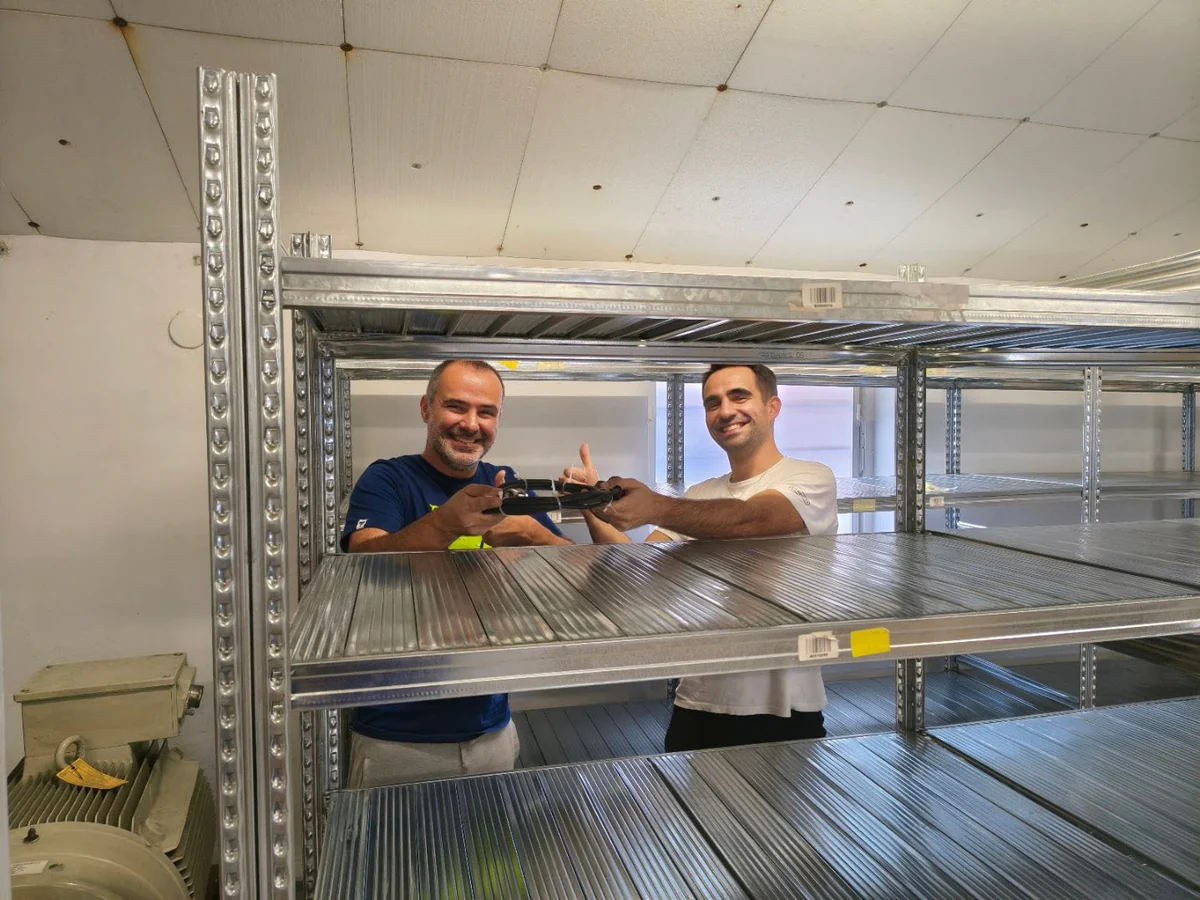
Customer Success Story · Industrial surplus reseller
How Gal-Industry accelerated onboarding and increased inventory turnover.
By automating intake and listing creation, Gal-Industry eliminated manual transcription and turned incoming inventory into sellable records faster.
Customer Success Story · Industrial automation distributor
How ADEGIS enriched product data and scaled e-commerce listings.
ADEGIS uses AutomaSnap to capture specs from nameplates, clean photos and prepare marketplace-ready listing data with a lean operations team.