Everything between the nameplate and the listing
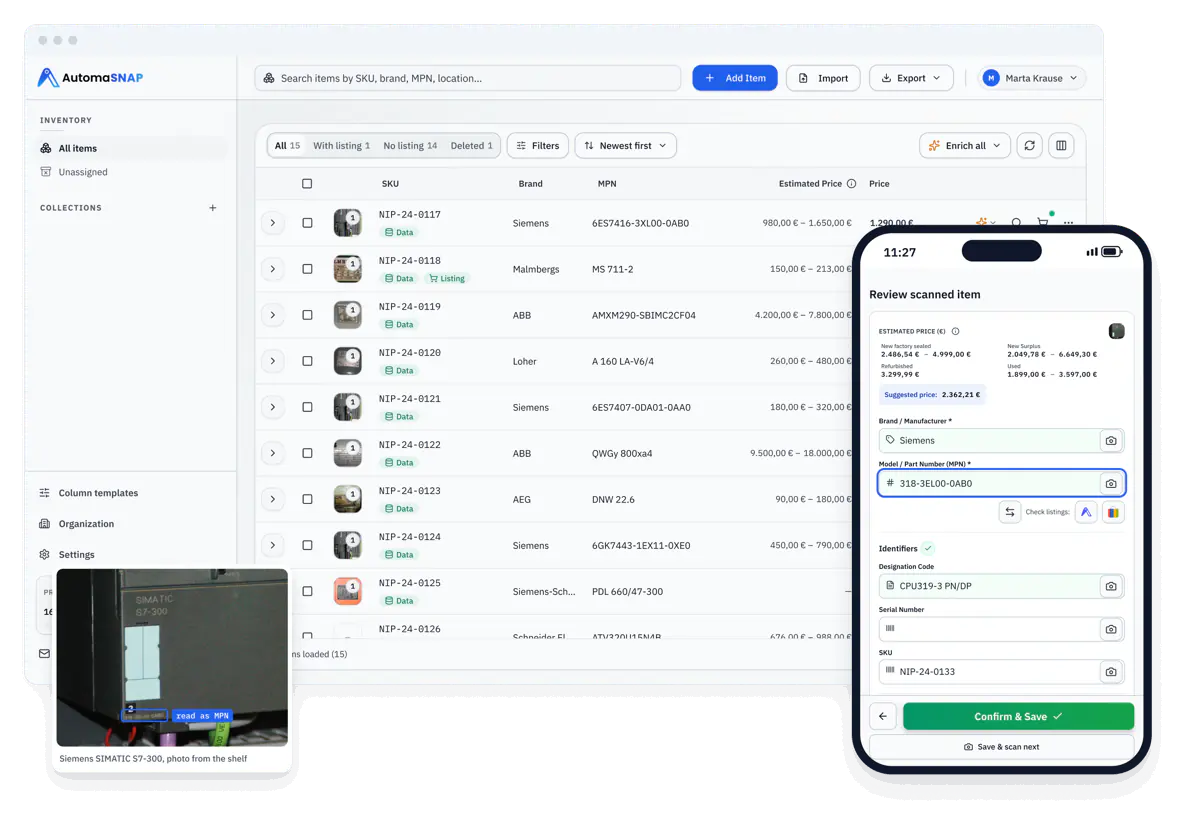
AutomaSnap is one intake workflow made of five tools: scan a nameplate or barcode, get structured fields, clean the photo, check the market price and export ERP-ready rows or publish to eBay. Each tool has its own page below.
No call required - see results in the app in seconds.
Five tools, one item record
Every feature writes into the same item, so a part scanned on the shelf leaves the app as a complete, priced, photo-backed row.
-
 01 · Extract
 AI OCR Reader
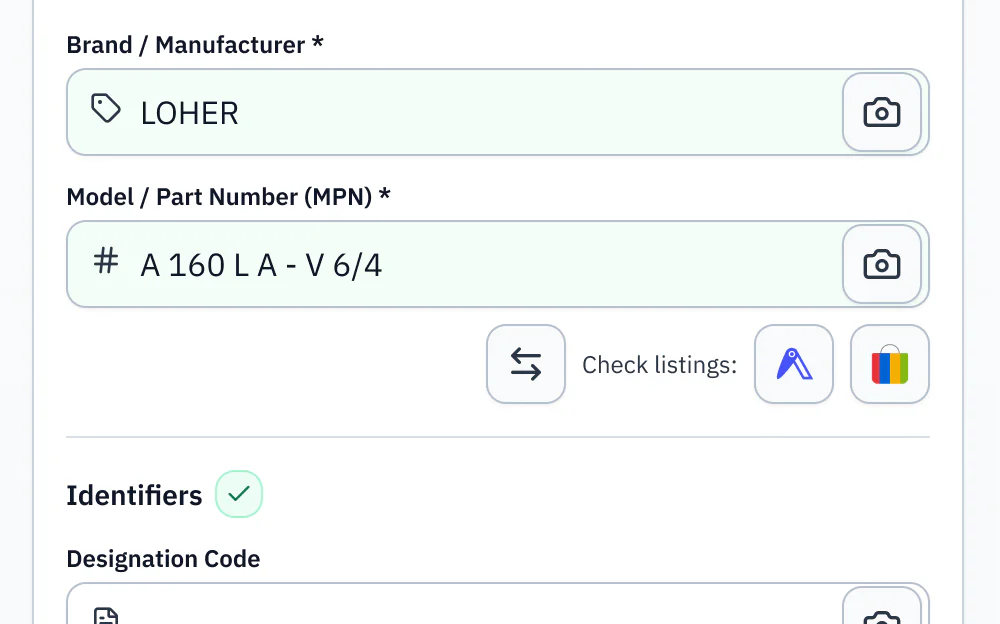
Photograph an industrial nameplate and get Brand, MPN, serial, designation code and specs as editable fields. Reads worn, angled and multilingual plates.
- Brand, MPN, serial and specs from one photo
- Every field editable before you save
- Rows ready for ERP import, not a text dump
-
 02 · Scan
 QR & Barcode Reader
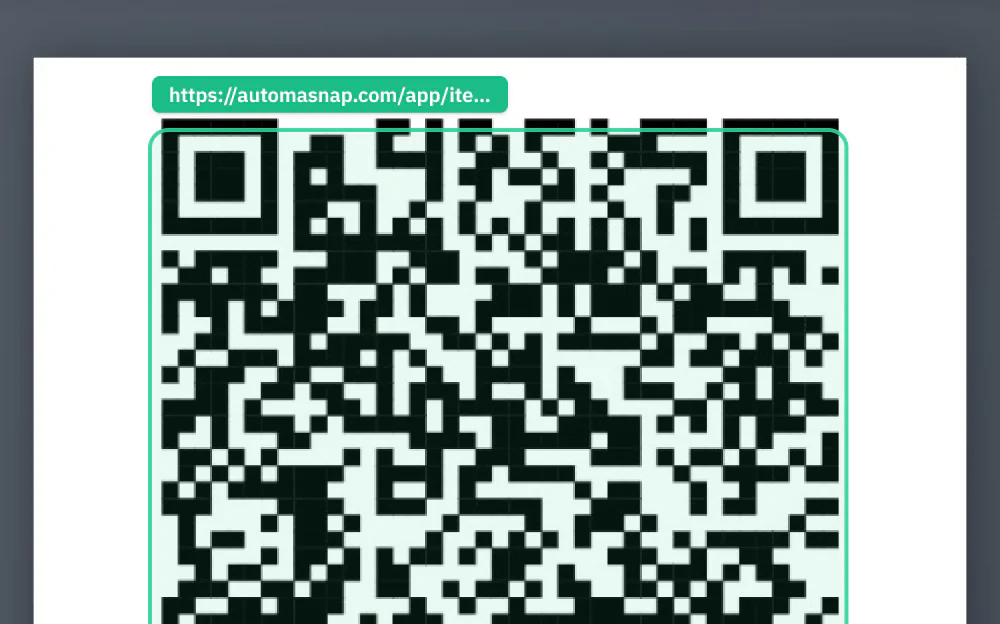
Scan QR codes and barcodes with the phone camera in the browser to pull serials and part numbers when the label carries one. No app install, no dedicated scanner.
- 1D and 2D codes from the phone camera
- Fills the serial and MPN fields directly
- Works alongside nameplate OCR on the same item
-
 03 · Clean
 Background Remover
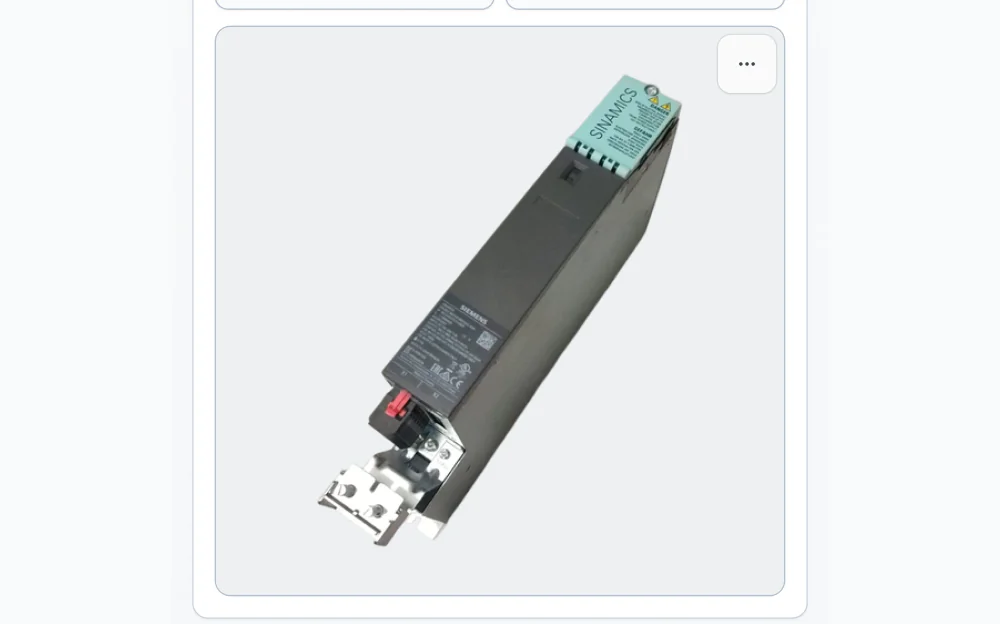
Turn a shop-floor photo into a clean product image with a white or transparent background, ready for Amazon, eBay or your ERP.
- One click per photo
- White or transparent export
- The cleaned photo stays with the item
-
 04 · Price
 Quick market check
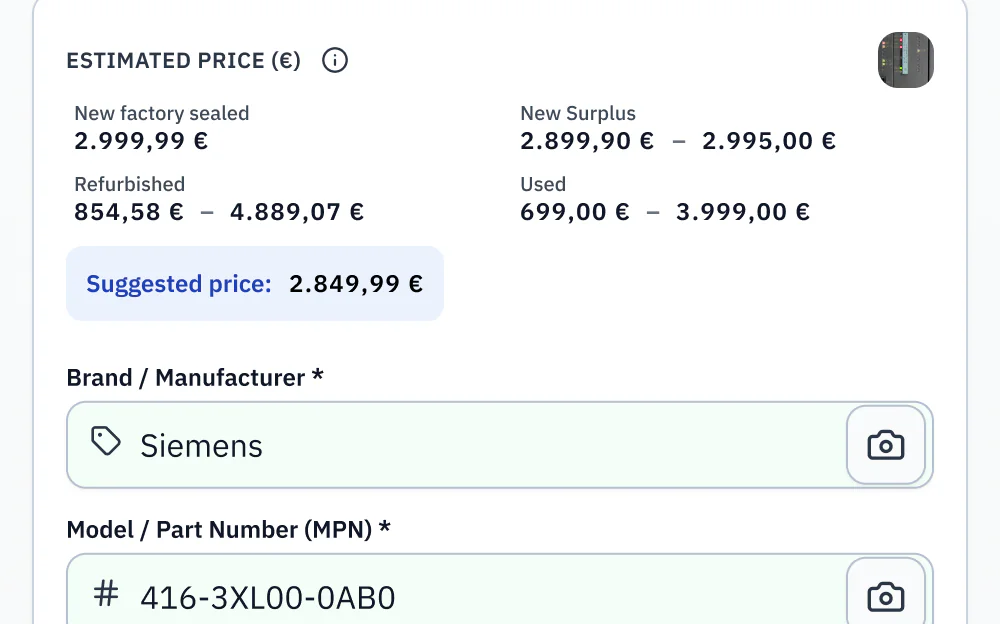
Open eBay and Automa.Net searches for the identified part number in one click to verify demand and price before you list or value stock.
- Live listings for the exact MPN
- Price reference for valuation and repricing
- No copy-paste between browser tabs
-
 05 · Enrich
 Data Enrichment
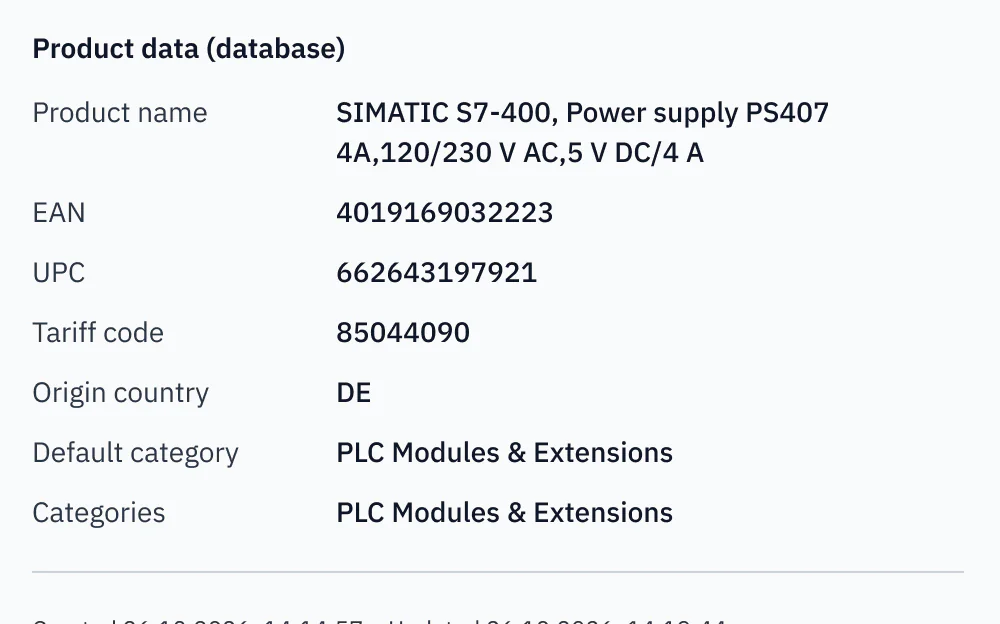
Turn raw nameplate fields into listing-ready data: cleaner descriptions, attributes and product copy for storefronts and ERP imports.
- Descriptions and attributes generated from the fields
- Consistent naming across the catalog
- Structured exports for ERP and storefront
-
Use cases
See the tools applied to a real job
Solution pages walk through a full workflow, from the first photo to the exported spreadsheet.
- nameplates scanned in AutomaSnap
- 25,000+
- manufacturer brands read from plates
- 9,000+
- teams with active inventory
- 130+
As of October 2026.
How the features fit together
You do not pick a tool per task. The item moves through all five in one pass, and each step adds a column to the same row.
Photograph the nameplate or scan the code
One photo per part from the phone. The QR & Barcode Reader picks up serials when the label has a code.
Get structured fields
The AI OCR Reader returns Brand, MPN, serial and specs as editable fields you check before saving.
Clean the photo, check the market
The Background Remover prepares the listing image and the Quick market check opens live eBay and Automa.Net results.
Enrich and export
Data Enrichment fills descriptions and attributes, then you export CSV, XLSX or platform files, or publish straight to eBay.
Import-ready files for the channels you sell on. Direct publishing to eBay.
- Shopify Import file
- WooCommerce Import file
- PrestaShop Import file
- Odoo Import file
- BaseLinker Import file
- CSV / Excel Any spreadsheet
- eBay Direct publishing
- automa.net Direct publishing





Customer Success Story · Industrial automation distributor
How ADEGIS enriched product data and scaled e-commerce listings.
ADEGIS uses AutomaSnap to capture specs from nameplates, clean photos and prepare marketplace-ready listing data with a lean operations team.
Try every feature on your own parts.
Scan a nameplate from your shelf, clean the photo, check the price and export the row. The free trial covers the whole workflow.