AI for spare parts management: identify, clean, price and sell parts from a photo.
AI is most useful in spare parts management where the data is created: at the shelf, from the physical part. AutomaSnap uses AI parts identification to turn a nameplate photo into a clean record with Brand, MPN, serial and specs, enriches it with product data and a market price, and hands it to the system that orders, stocks and sells.
No call required - see results in the app in seconds.

Why spare parts management is hard to automate
Ordering, forecasting and recommendations all sit on top of one thing: a correct record per part. That record is usually created by hand, from a worn plate, under time pressure.
Parts without an identity
Storerooms and surplus lots are full of “misc automation parts”. Until each one has a Brand and MPN, no system can order, count or sell it.
The wrong part gets ordered
One wrong character in a part number, read from a worn plate and typed by hand, means a wrong delivery, a return and more downtime.
Material master data nobody trusts
Duplicates, free-text descriptions and missing specs make ERP reports, reorder points and any AI on top of them unreliable.
Stock valued by guesswork
Without a market reference per MPN, surplus is written off too cheaply or carried at a price nobody pays.
Where AI helps in spare parts management
Four places where AI changes the work, and what it realistically delivers in each.
AI parts identification
The most reliable AI use in spare parts today: a vision-language model reads the nameplate and returns a part number you can search, order or list. Works on worn, angled and multilingual plates.
AI in spare parts ordering
AI does not place the order; it makes sure the order is right. Identification from the physical part gives an exact MPN, enrichment attaches the EAN and category, and the market check shows what the part is worth before you reorder or resell.
AI parts recommendations
Recommendations are only as good as the data under them. AutomaSnap suggests category, attributes and listing copy for each identified part and gives your ERP or marketplace the clean records that equivalents and reorder suggestions depend on.
Catalog and sales
Turn shelves into a catalog: consistent columns, cleaned photos, SEO titles and MPN-based search visibility. Publish surplus to eBay or export to your shop platform.
How AutomaSnap applies AI to spare parts
Four steps from a physical part to a record your ERP, marketplace or shop can use - no manual retyping in between.
AI parts identification from a photo
Photograph the nameplate or label. The AI recognizes Brand, part number, serial and specs as editable fields, and decodes barcodes and QR codes on the same label.
Standard fields, reviewed by a person
Every part gets the same columns: Brand, MPN, designation code, serial, specs, quantity, condition, location, photo. You confirm before anything is saved.
Product data and a price reference
Enrichment adds EAN/UPC, category, attributes, a title and a description. A one-click market check opens eBay and Automa.Net for the MPN.
Export to the system that manages the stock
CSV or XLSX for SAP, Odoo, Dynamics 365, BaseLinker, or direct exports to WooCommerce, PrestaShop, Shopify and eBay. Ordering, stock levels and forecasting stay in your ERP.
Clear scope: intake and identification, not inventory control
Being precise about what the AI does is what keeps the data trustworthy downstream.
What AI does in AutomaSnap
Reads nameplates and labels, recognizes Brand, MPN, serial and specs, decodes codes, enriches records with product data and generates listing copy. Every output is editable before export.
What stays in your ERP or CMMS
Stock levels, reorder points, purchase orders, demand forecasting and supplier selection. AutomaSnap feeds those systems with clean part records; it does not replace or sync them.
Who uses it this way
Spare parts distributors and surplus resellers, MRO storerooms digitizing legacy stock, asset-recovery and teardown teams, and maintenance technicians confirming a part before a repair.
AI for spare part management: what works today
Most articles about AI in spare parts start with demand forecasting and smart reordering. Those are real, but they are the last step, and they fail quietly when the part records under them are wrong. The practical order is the reverse: identify the parts you physically have, standardize the data, enrich it, then let the ERP forecast and recommend.
AI parts identification
A vision-language model reads the nameplate the way a technician does: it finds the text, works out which value is the type code, which is the serial and which is the rating, and returns them as fields. This is the difference between an AI nameplate scanner and classic OCR, which returns a block of characters and leaves the interpretation to a person. For parts with no readable plate, the parts identification from a photo workflow covers markings, codes and manual completion.
AI in spare parts ordering
The expensive ordering mistake is not a late purchase order; it is a purchase order for the wrong part. Identification from the physical item gives an exact MPN with a serialized copy for matching, and data enrichment attaches the EAN, category and attributes that procurement systems and supplier portals expect. A quick market check shows the going price for that MPN before you reorder new stock or resell what you already have.
AI smart parts recommendations
Recommendation engines for equivalents, kits and reorder quantities live in the ERP, CMMS or marketplace. What AutomaSnap contributes is the layer below: suggested category, attributes and listing copy per part, and records that are consistent enough for those engines to match on. Clean MPNs also matter for search: buyers look for a part number, so a listing with the exact MPN gets found and one with “motor, used” does not.
Digitizing the stock you already have
For storerooms and surplus lots that grew without a system, the first AI project is a stock take: walk the racks with a phone, photograph each plate, review the fields and export one spreadsheet with photo proof per row. The surplus stock take workflow is built for this, and the Gal-Industry case study shows the effect on listing speed.
Import-ready files for the channels you sell on. Direct publishing to eBay.
- Shopify Import file
- WooCommerce Import file
- PrestaShop Import file
- Odoo Import file
- BaseLinker Import file
- CSV / Excel Any spreadsheet
- eBay Direct publishing
- automa.net Direct publishing





FAQ
Questions we hear from teams evaluating AI for spare parts management.
What can AI actually do in spare parts management today?
Reliably: identify a part from a photo of its nameplate, structure the data into standard fields, enrich it with product data and generate listing copy. With clean data in the ERP, forecasting and reorder suggestions become possible, but they run in the ERP, not in the scanner.
How does AI parts identification work?
You photograph the nameplate or label with a phone. A vision-language model reads the plate in context and returns Brand, part number (MPN), designation code, serial and specs as separate, editable fields. Barcodes, QR and DataMatrix codes on the label are decoded in the same pass. On a readable plate Brand and MPN are usually right on the first pass; every field can be corrected before saving.
Does AutomaSnap automate spare parts ordering?
No. It makes the order correct: an exact MPN from the physical part, an EAN and category from enrichment, and a market price reference before you reorder or resell. Purchase orders, reorder points and supplier choice stay in your ERP or procurement system, which you feed with the exported rows.
Does it recommend parts, equivalents or reorder quantities?
AutomaSnap suggests category, attributes, a title and a description for each identified part, and the market check shows comparable listings. It does not recommend reorder quantities or forecast demand. Those recommendations depend on clean part records, which is what the intake step produces.
Does it sync inventory between marketplaces or with the ERP?
No. AutomaSnap is the intake and identification step. You export CSV or XLSX with consistent columns, or use the direct exports for WooCommerce, PrestaShop, Shopify, BaseLinker and eBay. Stock-level synchronization stays in your ERP or sync tool.
How long does it take per part?
Roughly 40 seconds for photo, review and save, compared with 10 to 20 minutes when a plate is read, typed and priced by hand. Gal-Industry, an industrial surplus reseller, went from over 10 minutes per item to seconds and lists 15x faster.
Is there a free trial?
Yes. Open the app in your phone browser, photograph a nameplate and see the extracted fields. No card, no install, no call.
Start where the data is created: at the part.
Open the app on your phone, photograph a nameplate and see Brand, MPN, serial and specs as editable fields. No setup, no hardware, no call required.
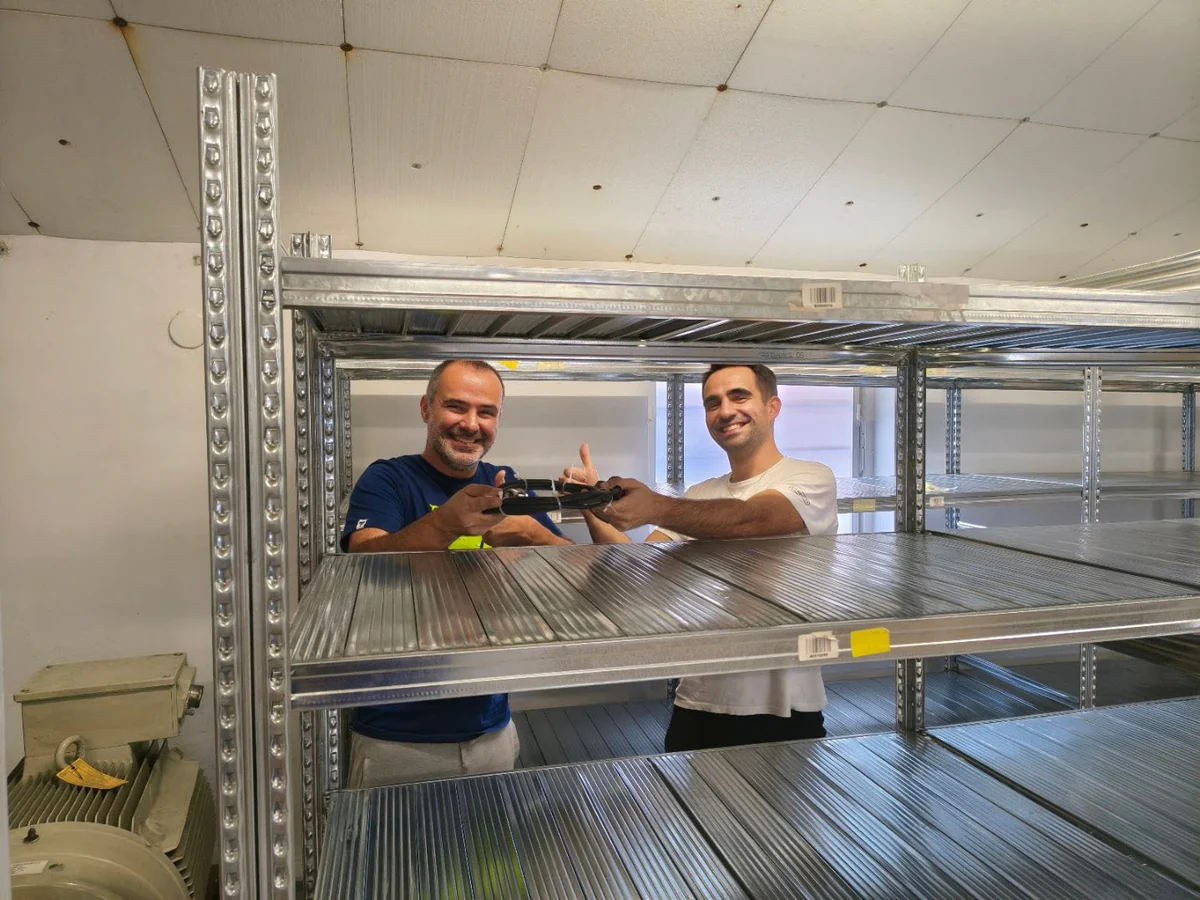
Customer Success Story · Industrial surplus reseller
How Gal-Industry accelerated onboarding and increased inventory turnover.
By automating intake and listing creation, Gal-Industry eliminated manual transcription and turned incoming inventory into sellable records faster.
Customer Success Story · Industrial automation distributor
How ADEGIS enriched product data and scaled e-commerce listings.
ADEGIS uses AutomaSnap to capture specs from nameplates, clean photos and prepare marketplace-ready listing data with a lean operations team.