Clean product photos in one click.
AI product photo background removal for parts and industrial listings—white or transparent export in seconds.
No design skills needed. Works in your browser.
White or transparent BG
Remove background from product photos for marketplaces
Buyers judge listings in seconds. Cluttered shop-floor shots and busy backgrounds hurt trust and can break marketplace rules. AutomaSnap removes the background from product photos and product images so you get a consistent, professional look—without opening Photoshop.
- White or transparent backgrounds for catalogs, PIM, and storefronts
- Works on spare parts, industrial labels, and resale inventory—not only “pretty” consumer goods
- Same flow as the rest of AutomaSnap: snap, clean the image, export with your data
What you get on export
After background removal you can download images that fit typical channel specs and attach them to the same rows you send to SAP, Odoo, Dynamics 365, or BaseLinker. Need proof that the process works for real warehouses? Read the ADEGIS case study—from nameplate capture to listing-ready product photos.
Before and after
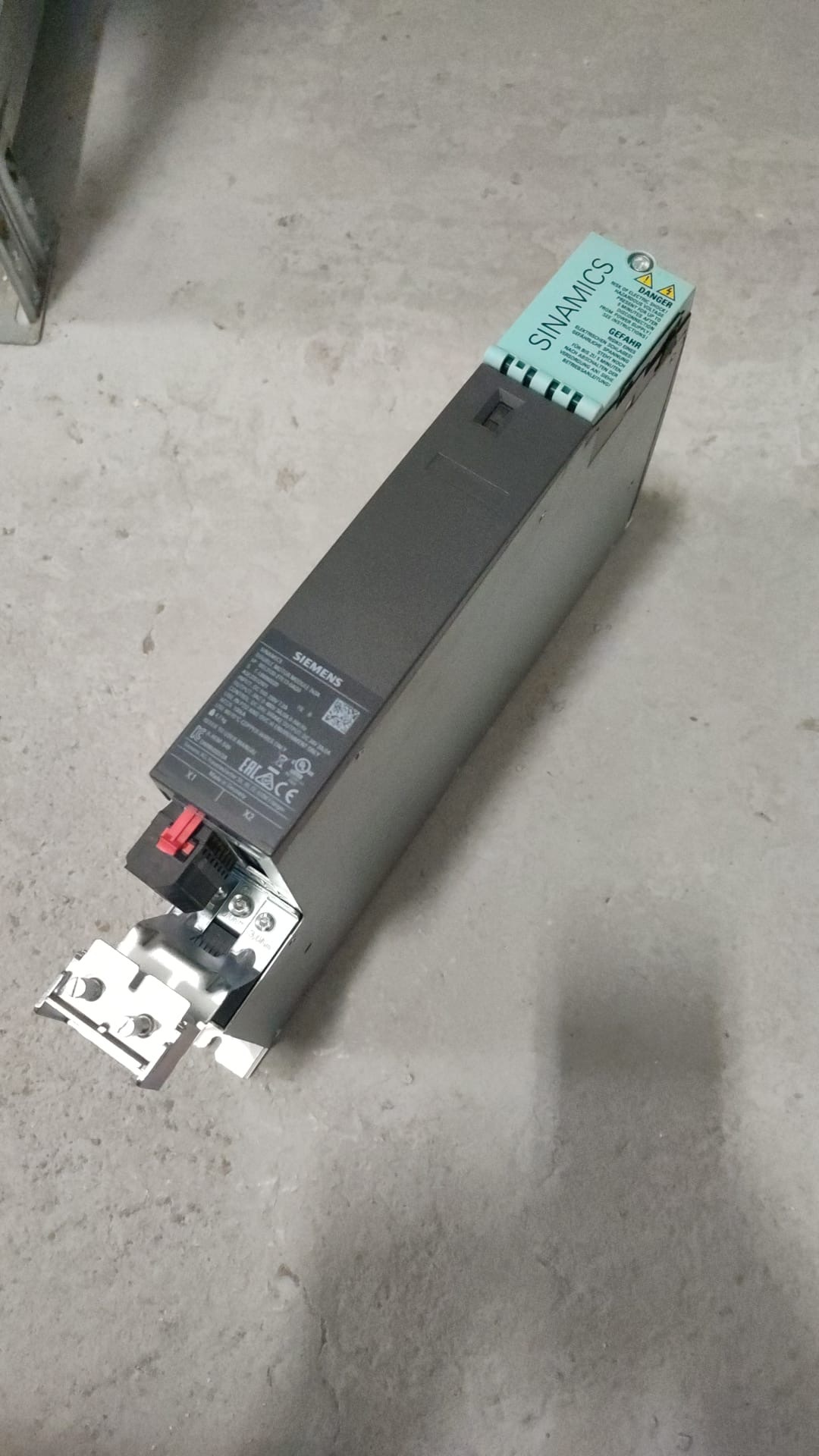
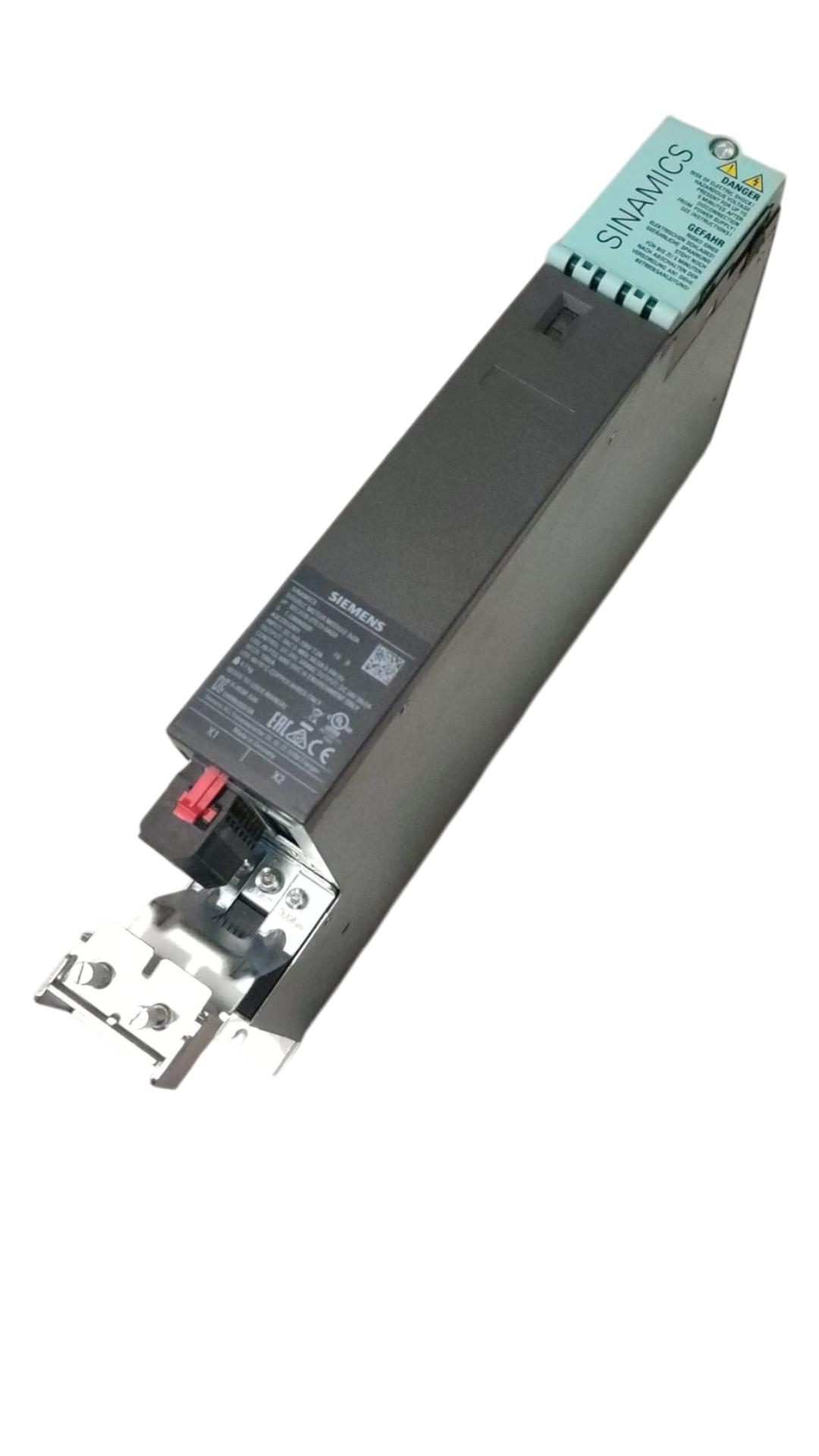
Shop-floor or warehouse shot → clean image in one step. No manual masking.
Before
After
Background removed · white or transparent
From upload to clean cutout
Three steps from messy background to clean image.
Upload or snap a photo
Upload a photo from your phone or computer. No studio required.
AI removes the background
Our model detects the subject and removes the background in about a second. Clean edges, no halos, even with complex shapes or glass.
Get a clean image
Download with a white or transparent background. Use in your store, on Amazon or eBay, or in your inventory system.
Built for scale and marketplaces
Whether you're cleaning product photos for your store, Amazon, eBay, or your inventory - same quality, consistent output.
Your files stay organized
Downloaded files keep the same names and folders as you uploaded - no messy export or re-sorting.
Ready for Amazon, eBay, Shopify & more
Export presets for each marketplace so images are already sized and formatted correctly.
Precise edges
Reflective metal, mesh guards, irregular part shapes - clean cutouts without halos, even on subjects that trip up generic background removers.
Lower cost than manual editing
No per-photo agency fee and no retouching queue - the cutout happens automatically the moment you upload.
FAQ
Common questions about background removal.
What file formats are supported?
JPG and PNG. Upload from your device or take a photo in the app. Export as PNG (with transparency) or JPG (e.g. white background).
Can I process more than one photo at a time?
Yes. Same app for one photo or thousands - upload a single image or drag in a batch. Folder structure and file names are preserved on export.
How fast is it?
Less than one second per image. No manual masking; the AI detects the subject and removes the background automatically.
Is there a free trial?
Yes. Try it in the app with no credit card. No call required—just sign up and start removing backgrounds.
Try it on your next product photo.
One click to try. Take a photo or upload one and see the cutout immediately - nothing to install, no form to fill in first.
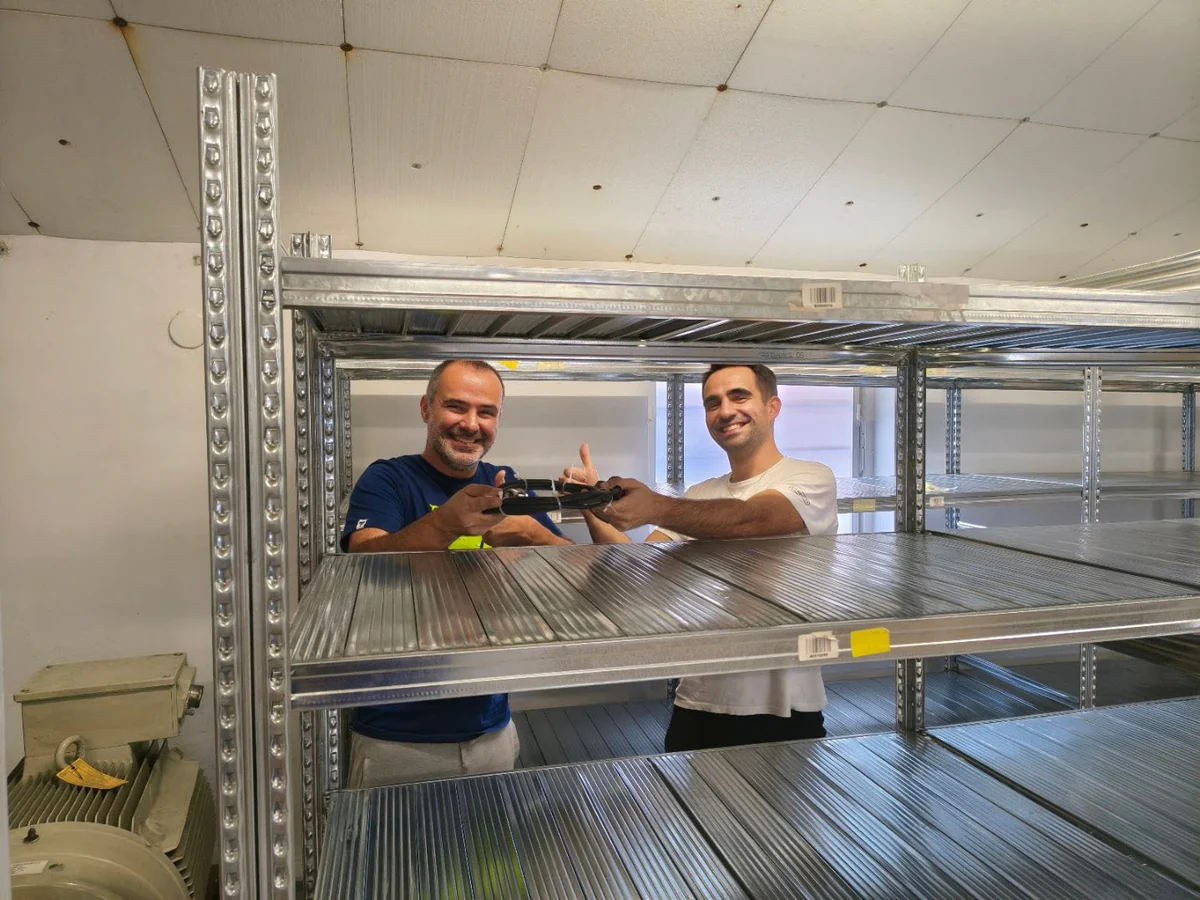
Customer Success Story · Industrial surplus reseller
How Gal-Industry accelerated onboarding and increased inventory turnover.
By automating intake and listing creation, Gal-Industry eliminated manual transcription and turned incoming inventory into sellable records faster.
Customer Success Story · Industrial automation distributor
How ADEGIS enriched product data and scaled e-commerce listings.
ADEGIS uses AutomaSnap to capture specs from nameplates, clean photos and prepare marketplace-ready listing data with a lean operations team.