Scan QR & barcodes, get data in seconds.
Point your phone or laptop camera at a QR code or barcode (EAN, Code 128 and other common formats). The value goes straight into the field you are filling, such as serial number, part number, SKU or shelf location. Scan an AutomaSnap item label and the app opens that item. No separate scanner to buy.
Works in the same app as nameplate capture and background removal.

The screens above are a real AutomaSnap scan of the QR label AutomaSnap printed for a Siemens PS 407 power supply, captured in October 2026.
- code formats, including QR, Data Matrix, EAN and Code 128
- 13
- item fields you can fill by scanning a code
- 6
- QR label you can print for any item
- 50 × 50 mm
As of October 2026.
From scan to decoded data
No separate scanner app. Scan the code, check the decoded value, then review and export when you’re ready.
Point the camera
Open the scanner from any field, or from the item list to find an item. It uses the camera of your phone or laptop.
We decode it
Our reader detects QR and common barcode formats (EAN-13, Code 128, etc.) and extracts the payload - serial number, part code, or other encoded text.
Review & export
See the decoded value in your list. Edit if needed, then export to a spreadsheet or your platform. You control where the data goes.
Capabilities
Scan, review your decoded list, then export. Simple workflow with no extra tools.
QR + barcodes decoded
Point the camera at the code and its value lands in the field you picked: serial, part number, SKU or location. No typing, no separate scanner.
Export to your list or platform
Decoded values go into your scanned list and can be exported as a spreadsheet or sent to your platform - you choose.
Find an item by its label
Every item can get a printed QR label. Scan it on the shelf and AutomaSnap opens that item, with its photos, prices and listing.
No retyping
Paste serials and part numbers from the reader - fewer errors, faster than typing from the label, no extra hardware.
Import-ready files for the channels you sell on. Direct publishing to eBay.
- Shopify Import file
- WooCommerce Import file
- PrestaShop Import file
- Odoo Import file
- BaseLinker Import file
- CSV / Excel Any spreadsheet
- eBay Direct publishing
- automa.net Direct publishing





FAQ
Common questions about the QR and barcode reader.
Which barcode and QR formats are supported?
QR codes and common linear barcodes such as EAN-13, EAN-8, Code 128, and Code 39. We extract the encoded data (serials, part numbers, text). If your label uses one of these, the in-app camera scanner decodes it.
Do I need a separate scanner or app?
No. The reader is built into AutomaSnap. It runs in the browser with the camera of your phone or laptop; no dedicated hardware or extra app required.
Can I edit or delete a scanned result?
Yes. Decoded data appears in your list where you can edit it, delete a row if you scanned the wrong thing, or add notes. Then export when you're ready.
Is there a free trial?
Yes. Try the QR and barcode reader in the app with no credit card. No commitment required.
Point your camera at a code and see it decoded.
Open the app, point the camera at a code, and get the result. No setup - same account as nameplate and background removal.
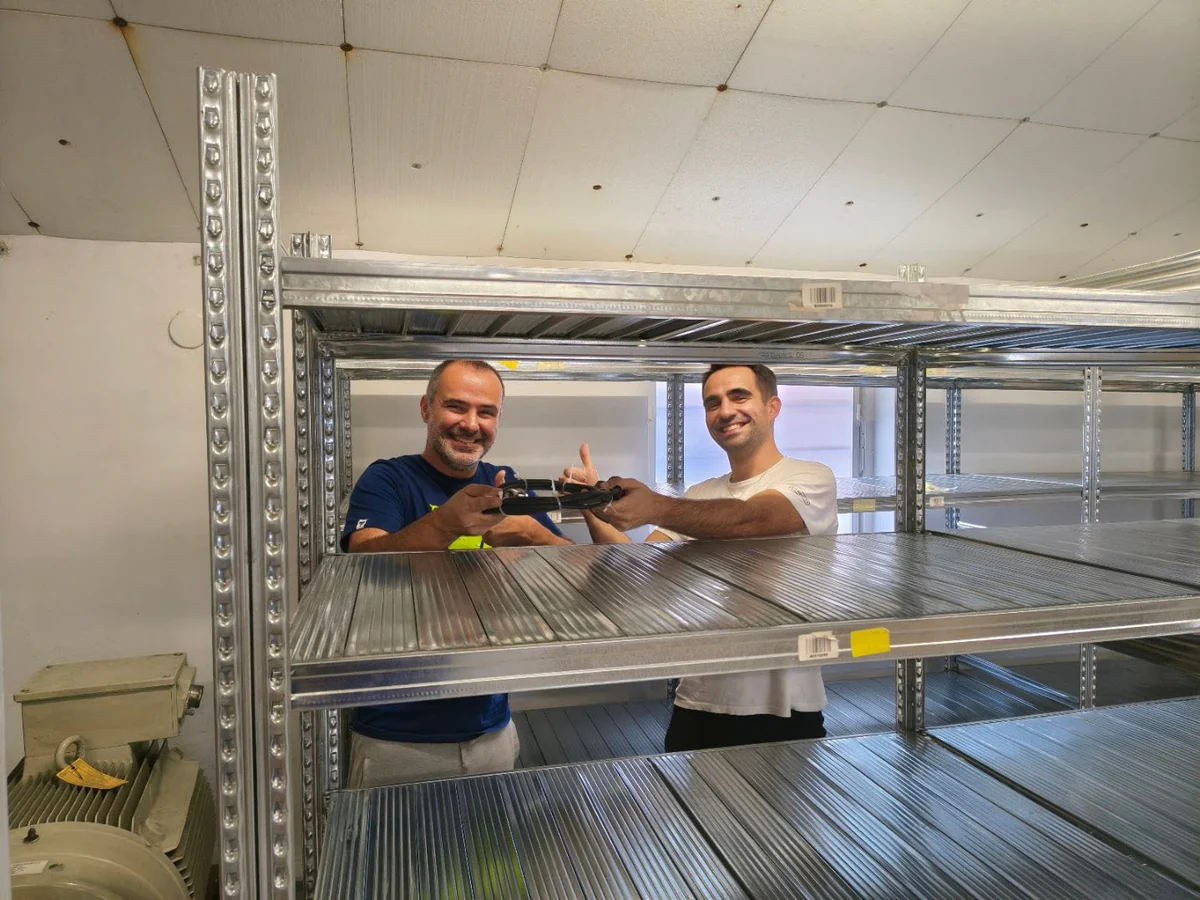
Customer Success Story · Industrial surplus reseller
How Gal-Industry accelerated onboarding and increased inventory turnover.
By automating intake and listing creation, Gal-Industry eliminated manual transcription and turned incoming inventory into sellable records faster.
Customer Success Story · Industrial automation distributor
How ADEGIS enriched product data and scaled e-commerce listings.
ADEGIS uses AutomaSnap to capture specs from nameplates, clean photos and prepare marketplace-ready listing data with a lean operations team.