Digitize your surplus spare parts inventory in one stock take - with a phone.
Walk the shelves and photograph each nameplate. AutomaSnap turns every photo into a row with Brand, MPN, serial, specs and photo proof, lets you check the market price on the spot, and exports a clean list to SAP, Odoo, Dynamics 365, BaseLinker or eBay.
No call required - see results in the app in seconds.
Why surplus stock takes stall
The count is not the hard part. Identifying, valuing and documenting each item is, and that is where a spreadsheet and a clipboard run out of steam.
Nobody knows what is on the shelf
A shelf of unlabeled parts can’t be counted, valued or sold - it just becomes the “we’ll deal with it later” pile that never gets dealt with.
Retyping part numbers takes 10 minutes per item
Reading a worn plate, typing a 15-character code into a spreadsheet and checking a price by hand is why stock takes stall after the first pallet.
No proof behind the numbers
A count without a photo per item cannot be audited. When finance asks how a value was set, there is nothing to show.
Value is guessed, not checked
Without a quick market reference, surplus is either written off too cheaply or kept on the books at a price nobody will pay.
How a surplus stock take works with AutomaSnap
Four steps from a full rack to an ERP-ready list. Each item takes about 40 seconds instead of 10 to 20 minutes.
Photograph each nameplate
Walk the racks with a phone. One photo per part, plus an optional product photo. No barcode scanner, no laptop, no install.
Get clean rows with photo proof
Brand, MPN, serial and specs arrive as editable fields. Fix anything unclear on the spot, add quantity, condition and location.
Check the market in one click
Open an eBay and Automa.Net search for the identified MPN to set a realistic value before the item goes on the books or on sale.
Export the finished stock take
Download a spreadsheet with consistent columns for SAP, Odoo, Dynamics 365 or BaseLinker, or publish sellable surplus to eBay.
What you have when the stock take is done
A digitized spare parts inventory you can import, audit and sell from - not a pile of photos and a half-filled sheet.
One spreadsheet, consistent columns
Brand, MPN, serial, designation code, specs, quantity, condition and price in the same columns for every item. Map once, import every time.
A photo for every row
The nameplate photo and a cleaned product photo stay attached to the record, so the count can be audited and the listing is ready.
A market price reference
Each identified MPN can be checked against live eBay and Automa.Net listings, which turns a guess into a defensible valuation.
Collections shared across the team
Split the warehouse by rack or by person. Everyone scans into the same organization and the export covers all of it.
Built for surplus, not for retail
Industrial automation parts, worn plates, mixed pallets and long part numbers. That is the reality AutomaSnap is tuned for.
Surplus dealers and resellers
Turn a bought-out warehouse into listings the same week. The faster the stock take, the sooner the capital comes back.
Plants and MRO storerooms
Digitize spare parts inventory that grew for 20 years without a system. Find duplicates, obsolete stock and parts worth selling.
Asset recovery and liquidation
Document a decommissioned line item by item with photo proof, then hand over a valued list instead of a pallet count.
What manual intake costs you every month.
Drag to set your volume
You save every month
€7,075
Labor saved, minus AutomaSnap fees.
333 h
By hand
10 min per part, €25/h
22 h
With AutomaSnap
~40 s per part, €25/h
Import-ready files for the channels you sell on. Direct publishing to eBay.
- Shopify Import file
- WooCommerce Import file
- PrestaShop Import file
- Odoo Import file
- BaseLinker Import file
- CSV / Excel Any spreadsheet
- eBay Direct publishing
- automa.net Direct publishing





FAQ
Questions we hear from teams planning a surplus or spare parts stock take.
How long does a surplus stock take with AutomaSnap take?
A single part goes from photo to saved record in well under a minute, without typing or a price lookup - instead of pulling someone off the floor to read, type and price it by hand. A team of two can usually digitize several hundred parts in a working day.
Do I need a barcode scanner or other hardware?
No. AutomaSnap runs in the phone browser and uses the phone camera. It reads the whole nameplate, and decodes any barcode or QR code on the label as part of the same photo.
What about parts with no nameplate or an unreadable one?
You can still add the item with a photo and enter the fields manually, or type only what you know. The photo stays attached, so the row is still auditable and can be completed later.
Can several people count at the same time?
Yes. Members of the same organization scan into shared collections, so you can split the warehouse by rack or by person and export everything as one list.
How does the data get into our ERP?
Export a CSV or XLSX with consistent columns and import it into SAP, Odoo, Dynamics 365, BaseLinker or any system that accepts spreadsheets. Platform exports for Shopify, WooCommerce, PrestaShop and eBay are also available. Map the columns once and reuse the mapping.
Does AutomaSnap sync stock levels between marketplaces?
No. AutomaSnap is the intake step: it identifies, values and documents the parts. Stock-level synchronization stays in your ERP or marketplace sync tool, which you feed with the exported list.
Can I sell the surplus directly from the stock take?
Yes. Rows that are worth selling can be enriched with a title, description, category and cleaned photo, then published to eBay from AutomaSnap or exported to your shop platform.
Start with one rack and see what it turns into.
Open the app on your phone, photograph a few nameplates and export the rows. No setup, no hardware, no call required.
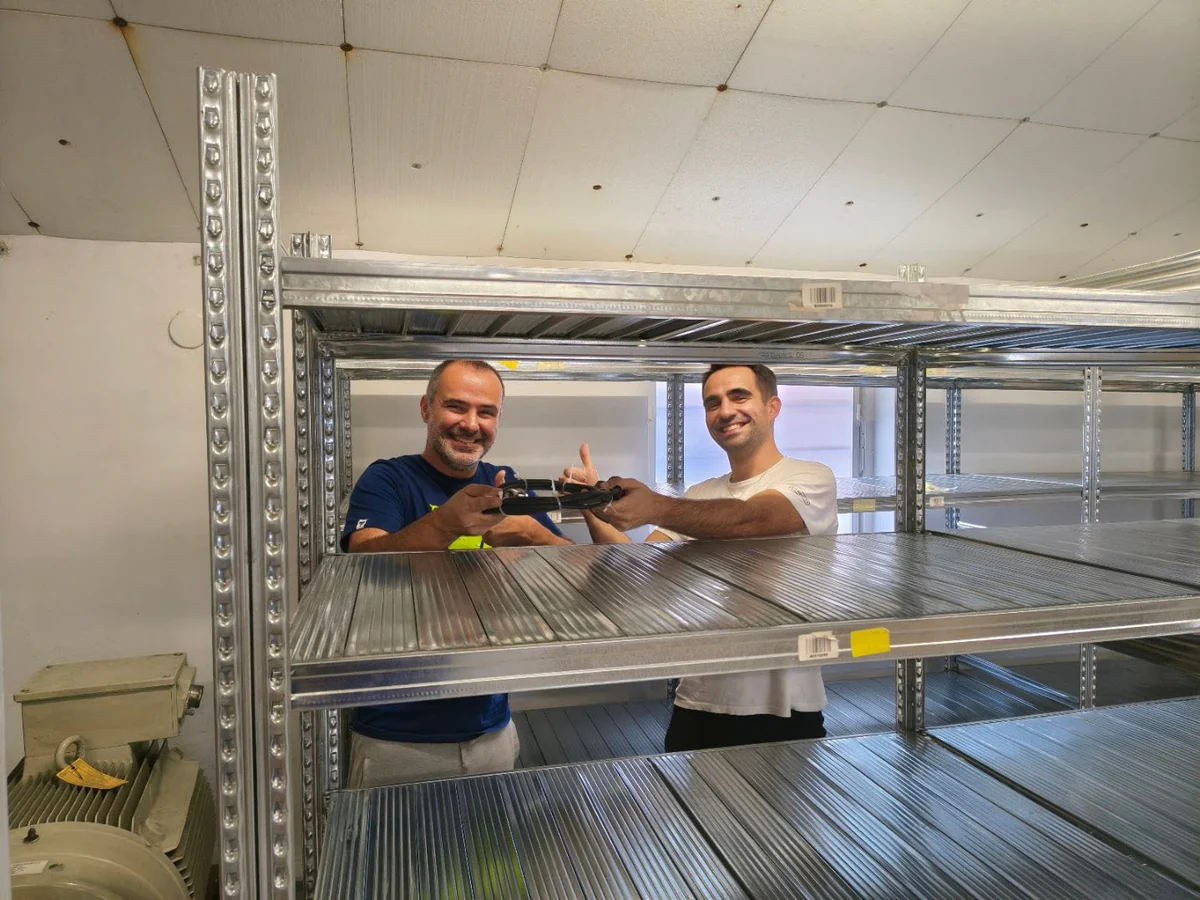
Customer Success Story · Industrial surplus reseller
How Gal-Industry accelerated onboarding and increased inventory turnover.
By automating intake and listing creation, Gal-Industry eliminated manual transcription and turned incoming inventory into sellable records faster.
Customer Success Story · Industrial automation distributor
How ADEGIS enriched product data and scaled e-commerce listings.
ADEGIS uses AutomaSnap to capture specs from nameplates, clean photos and prepare marketplace-ready listing data with a lean operations team.